
Paycor is used by participating employers for payroll, pay statements, tax documents, timekeeping, benefits and other HR tasks. The safest route is the Paycor-hosted employee sign-in page at hcm.paycor.com. This guide explains the normal sign-in sequence, what a new user needs to register, how the official recovery tools work, and when the problem must be handled by the employer rather than Paycor’s public login page.
Paycor Login Quick Details
| Official employee login | hcm.paycor.com |
|---|---|
| Typical sign-in detail | Paycor username; it may be an email address when your employer uses single sign-on |
| New-user registration | Requires information that matches your employer record, including an employer-provided access code |
| Password recovery | Use Paycor’s official reset flow; do not send your password to a third-party website |
| Best support route | Your employer’s HR/payroll team for access-code, record-matching, or account-permission issues |
Who Can Use Paycor Login?
This portal is intended for authorized users connected to an organization that has enabled the service. The exact features and permissions are controlled by that organization.
- Employees whose employer uses Paycor
- Managers or administrators assigned Paycor access
- New hires who received a Paycor registration access code
- Former employees whose employer still permits access to historical documents
What You Need Before Signing In
- A Paycor username or the email address configured for single sign-on
- The current password for the account
- Access to the email or phone method connected to the account when verification is requested
- For first-time registration: last name, employer-issued access code and an email address that can be matched to the employer record
How to Complete the Paycor Login Process
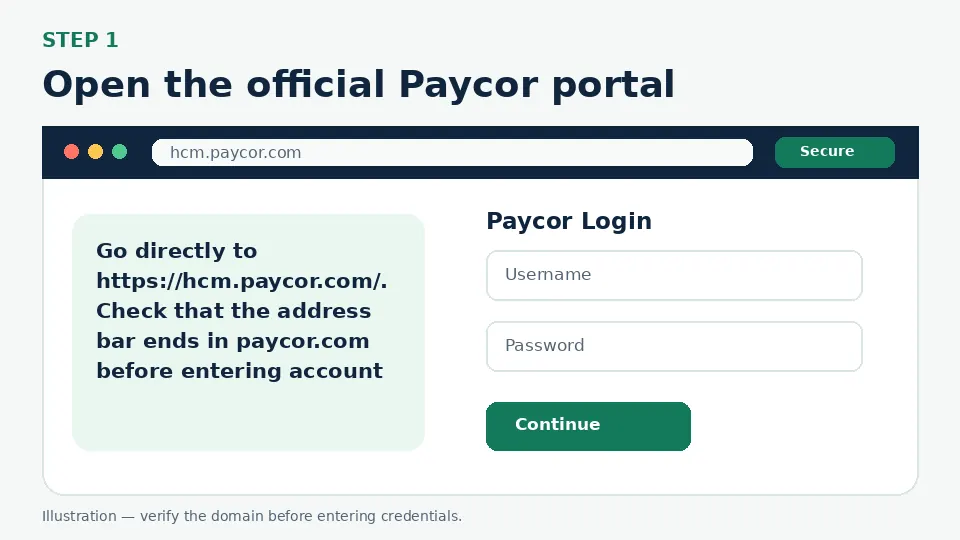
Open the official Paycor portal
Go directly to https://hcm.paycor.com/. Check that the address bar ends in paycor.com before entering account information. The page identifies itself as Paycor and begins with a username field.
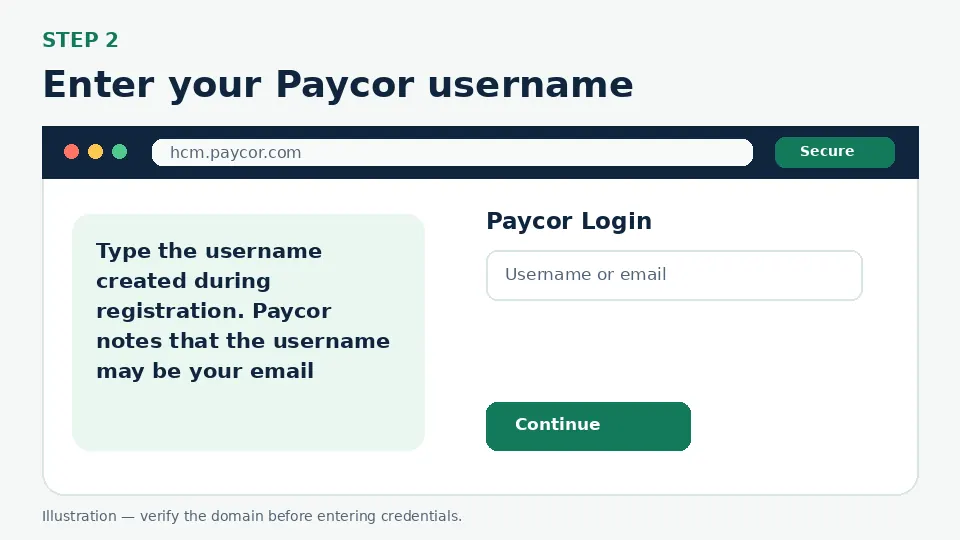
Enter your Paycor username
Type the username created during registration. Paycor notes that the username may be your email address when your employer uses single sign-on. Select Continue to move to the password or employer-specific authentication screen.
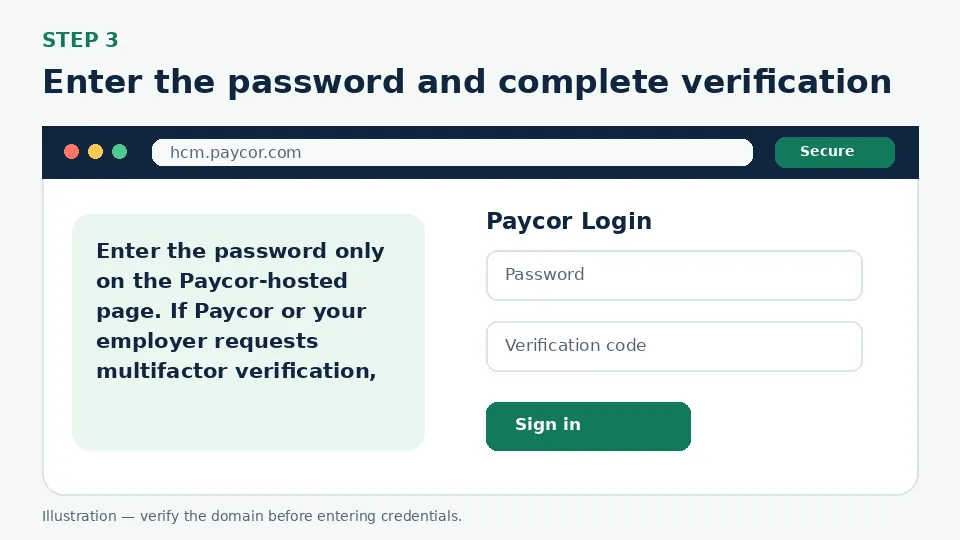
Enter the password and complete verification
Enter the password only on the Paycor-hosted page. If Paycor or your employer requests multifactor verification, use the method already linked to the account. Never provide a verification code to a person who contacted you unexpectedly.
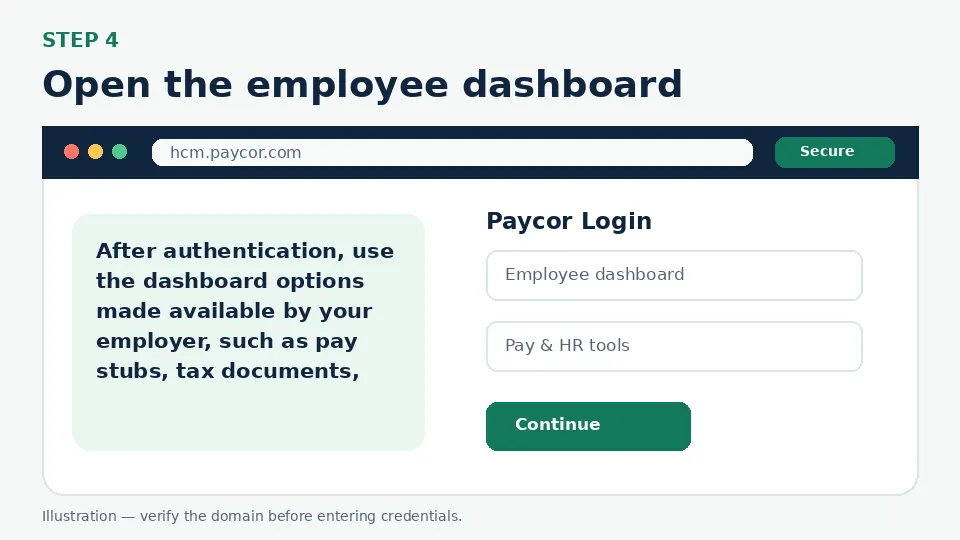
Open the employee dashboard
After authentication, use the dashboard options made available by your employer, such as pay stubs, tax documents, schedules, time records or HR information. Available tools differ because employers configure Paycor differently.
First-Time Account Setup
New users should use Paycor’s official registration page. The registration flow asks for basic identifying information that must match the employer’s records, then creates sign-in credentials, sets up multifactor authentication and security questions. If the access code is missing or rejected, the employer’s HR/payroll contact must issue or confirm it; a public guide cannot generate a valid access code.
Forgot Username or Password
From the Paycor sign-in page, use Forgot your username? or the official password-reset flow. Paycor’s reset page asks for the username and email connected to the account. If the system cannot match those details, first confirm the email and legal name stored by the employer. Repeatedly creating new accounts can make the problem harder, so contact HR before registering again.
MFA, Verification Codes and Single Sign-On
Paycor registration includes a multifactor-authentication stage. A later sign-in may also redirect to your employer’s SSO provider. That redirect is normal only when it begins from Paycor or a trusted employer page. Stop if the browser lands on a misspelled domain or asks you to send an MFA code by email, chat or phone.
Common Login Problems and Direct Fixes
| Problem | Likely cause | What to do |
|---|---|---|
| Username is not recognized | Wrong username, old account, or an SSO email is required | Use “Forgot your username?” and confirm the email with HR. |
| Access code is invalid | The code is mistyped, expired, or belongs to a different employer record | Ask the employer’s HR/payroll team to confirm or reissue it. |
| Reset email does not arrive | The account email differs or the message is filtered | Check spam, search for Paycor mail, and confirm the stored email with HR. |
| Page loops back to sign-in | Expired session, blocked cookies, or an SSO issue | Close extra tabs, allow required cookies, and retry in an updated browser. |
| Account opens but a pay stub is missing | Employer publishing or permission issue | Contact payroll; the public login page cannot release a document. |
Mobile and Browser Troubleshooting
- Start from the official login URL instead of a search advertisement or a saved third-party page.
- Use an updated version of Chrome, Safari, Firefox or Edge and allow cookies required by the official portal.
- Close duplicate sign-in tabs before retrying, especially when an SSO or Okta flow returns to the login screen.
- Switch between Wi-Fi and cellular data only to test connectivity; do not bypass employer security controls.
- Do not store credentials on a shared computer. Sign out fully after accessing payroll, school or employee information.
How to Avoid Fake Login Pages
Bookmark the official destination after confirming hcm.paycor.com. A fake page may copy colors and logos but use a misspelled address, ask for an MFA code before a normal password step, request payment, or tell you to send credentials to “support.” Leave that page and open the official domain manually.
Paycor Login FAQs
What is the official Paycor login website?
The official employee login page used in this guide is https://hcm.paycor.com/.
Can a Paycor username be an email address?
Yes. Paycor states that a username may be an email address when the employer uses single sign-on.
How do I register for Paycor?
Use Paycor’s official registration page and enter details that match the employer record, including the employer-provided access code.
Where do I get a Paycor access code?
The code comes from the employer. MyCard-Activation.com and other third-party guides cannot create or recover it.
How do I reset a Paycor password?
Use the official reset option from the Paycor sign-in page and provide the username and email connected to the account.
Why is Paycor not finding my email?
The employer may have a different email stored, or the account may use a username that is not the email address. Confirm the record with HR.
Can I access Paycor after leaving a job?
Access depends on the former employer’s settings. Contact the employer’s payroll or HR team if historical documents are unavailable.
Does Paycor show pay stubs and tax forms?
Paycor can provide those tools, but the exact dashboard features and document availability are controlled by the employer.
Should I share a Paycor verification code with support?
Do not share an MFA or one-time verification code with an unexpected caller, text sender or website.
What should I do if Paycor is locked?
Use official recovery options first, then contact the employer’s HR/payroll team if the account remains unavailable.
Official Sources and Verification
This guide was written from the official portal and support material listed below. Portal interfaces can change, and an employer, school or organization may use a custom SSO path. The organization’s current instructions control when they differ from a general guide.