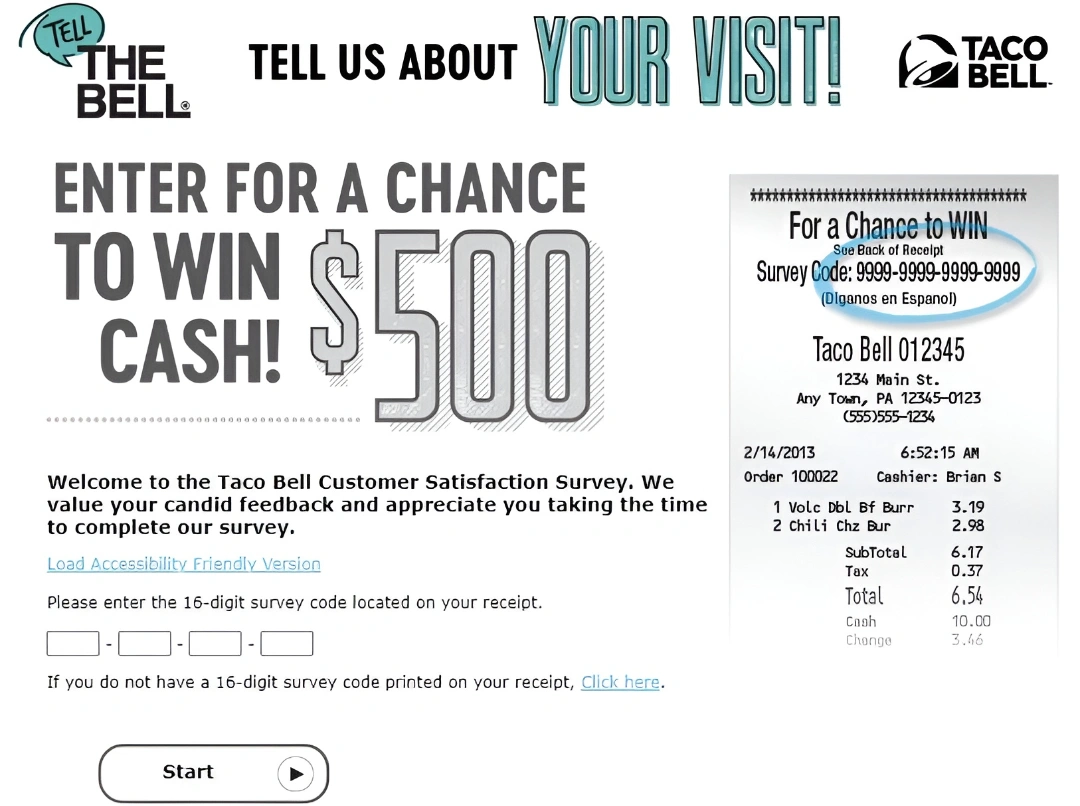
TellTheBell.com is the active Taco Bell Customer Satisfaction Survey for recent U.S. restaurant visits. The opening form requests the store number, date and time from the receipt and instructs users to enter every digit, including zeroes. The current landing page does not itself promise a fixed $500 prize or free item, so any promotion must be confirmed through the receipt or current rules presented in the survey.
Quick Highlights
| Official survey | TellTheBell.com |
|---|---|
| Required opening fields | Store number, date and time |
| Important entry note | Enter all digits, including zeroes |
| Accessibility | Friendly version and Spanish available |
| Order or store support | Taco Bell Contact Us |
What Is the Taco Bell Survey?
TellTheBell collects ratings tied to a recent Taco Bell store visit. The receipt fields help associate the feedback with a location and transaction period. The survey is different from app support, Taco Bell Rewards, gift cards, delivery-partner support and the general Contact Us form.
Current Survey Status
The official TellTheBell form is active, identifies itself as the Taco Bell Customer Satisfaction Survey, provides an accessibility-friendly version and offers Spanish. It is a receipt-based guest survey rather than Taco Bell Rewards support, an order-refund form or an employment portal.
Taco Bell Survey Rules and Requirements
- A recent Taco Bell receipt with the requested store and visit information.
- The store number exactly as printed at the top of the receipt.
- The transaction date and time, including the correct AM or PM selection.
- Completion before any receipt-stated deadline.
- The official Contact Us form for an unresolved order problem or requested response.
How to Read the Receipt or Invitation
The active form labels the store number as appearing at the top of the receipt. It also asks for month, day, year, hour, minute and AM/PM. Enter all digits, including zeroes, because dropping a leading zero can cause the form to reject an otherwise valid visit.
How to Complete the Taco Bell Survey
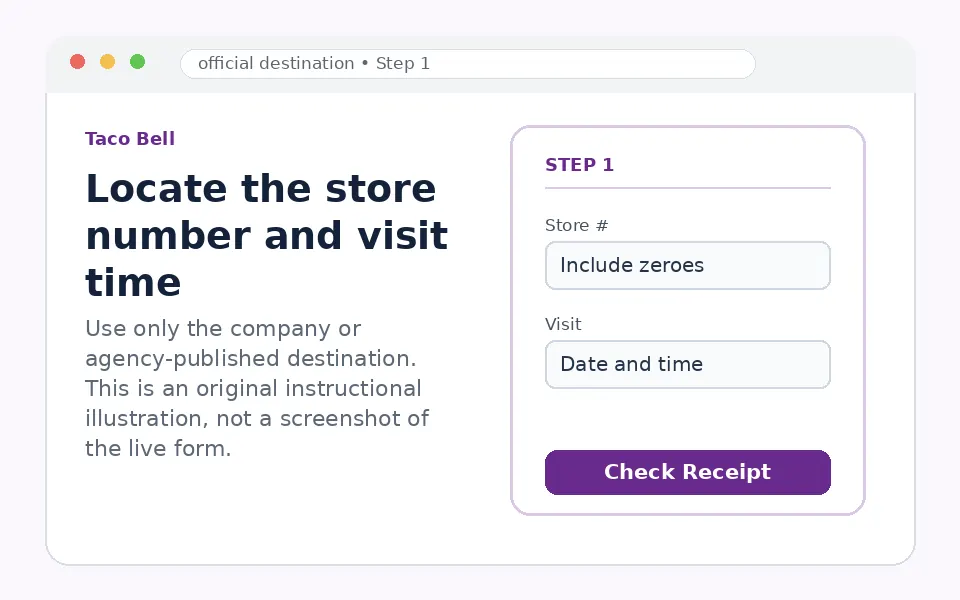
Locate the store number and visit time
Read the top and transaction section of the receipt. Note the store number, full date, exact minute and AM/PM.
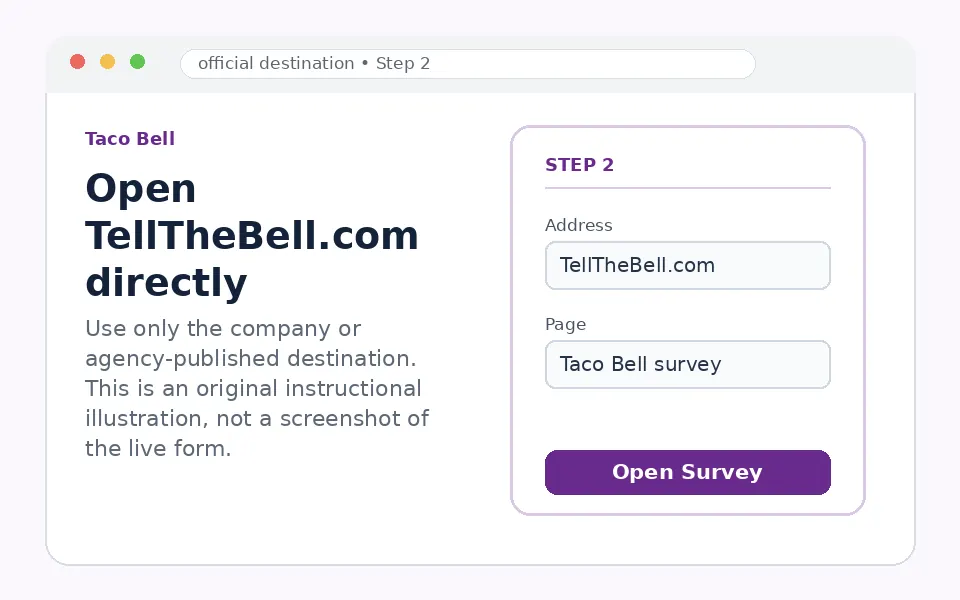
Open TellTheBell.com directly
Confirm the page says Taco Bell Customer Satisfaction Survey. Use the accessibility-friendly version when needed.
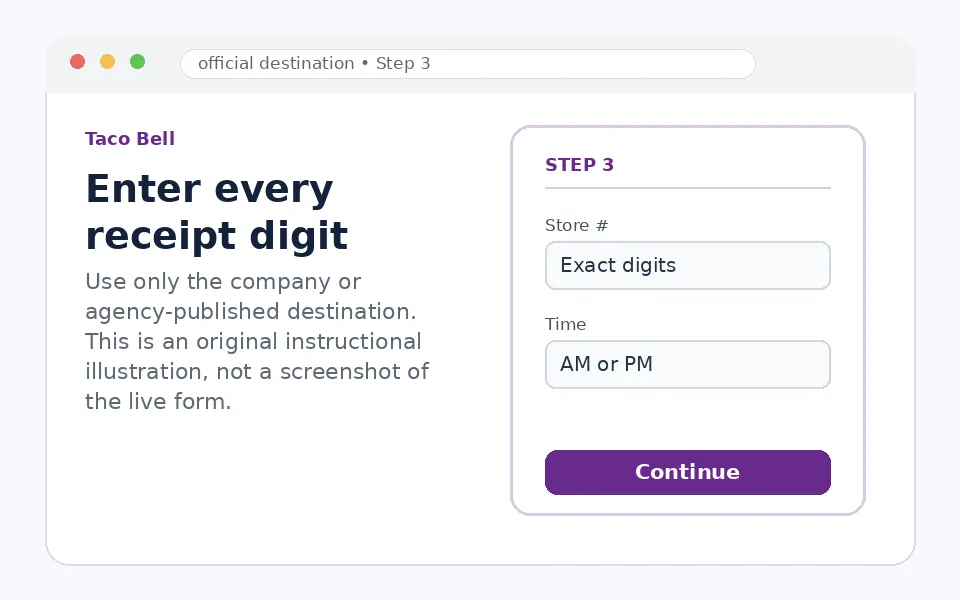
Enter every receipt digit
Copy the store number and choose the matching visit date and time. Recheck leading zeroes before proceeding.
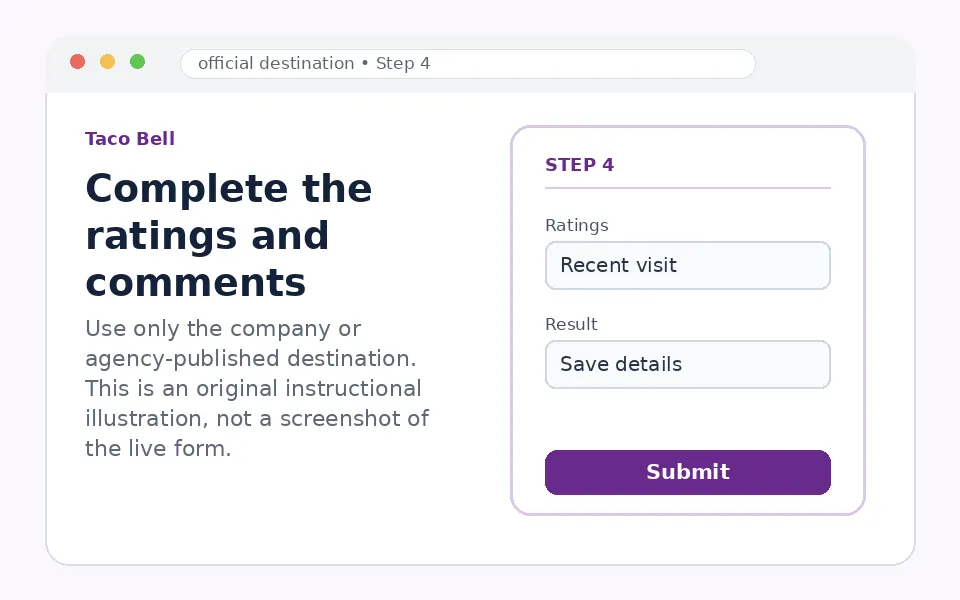
Complete the ratings and comments
Answer for the specific visit. Save any confirmation or validation details and apply only the terms shown for that receipt.
Questions You May See in the Taco Bell Survey
Questions can cover food quality and temperature, order accuracy, speed, employee courtesy, cleanliness, drive-thru or dine-in experience and overall satisfaction. A concise comment should explain the item or service issue without sharing card details or unrelated personal information.
Taco Bell Survey Reward or Offer
The current opening screen does not display a universal cash prize or guaranteed coupon. Some Taco Bell receipts or survey periods may carry promotional terms, but the live invitation and official rules must confirm eligibility, prize value, entry limits and redemption.
Taco Bell Survey Eligibility and Availability
The form must accept the store number, date and time from the receipt. The survey is designed for a specific recent visit. An app account is not required, and the survey should not ask for a Taco Bell password or one-time sign-in code.
Privacy and Account-Security Notes
TellTheBell is powered by SMG and links to SMG privacy and terms pages. Enter receipt visit data only on the verified domain. Use Taco Bell’s official contact route for refund requests, delivery complaints or issues requiring a response.
Taco Bell Survey Code and Access Problems
| Problem | What to do |
|---|---|
| Store number does not work | Include every digit and leading zero shown on the receipt. |
| Time is rejected | Check the exact minute and AM/PM choice. |
| Receipt has no invitation | Use Taco Bell Contact Us for feedback instead. |
| A third-party page promises $500 | Confirm any promotion through current official terms, not an old guide. |
| You need order resolution | Submit the official Taco Bell contact form with the store and order details. |
Taco Bell Customer Service Contact Information
Taco Bell’s official Contact Us page is the appropriate route for order problems, app issues and restaurant concerns that need follow-up. The receipt survey is primarily a structured feedback channel.
Taco Bell Survey Step-by-Step Summary
- Find the store number, date and exact time on the receipt.
- Open TellTheBell.com.
- Enter all digits, including zeroes.
- Complete ratings and visit-specific comments.
- Save any confirmation and verify promotional terms before redemption.
Why Should You Share Taco Bell Feedback?
Receipt-linked ratings allow Taco Bell to review service patterns at the correct location and daypart. Accurate receipt details and focused comments make feedback more useful.
About Taco Bell
Taco Bell is a quick-service restaurant brand serving tacos, burritos, specialty items, breakfast and beverages. TellTheBell is one of its feedback channels and is separate from Taco Bell Rewards and digital-order support.
Taco Bell Survey FAQs
Is TellTheBell.com active?
Yes, the current form is active.
What fields are required first?
Store number, visit date and time.
Where is the store number?
The form says it is at the top of the receipt.
Do leading zeroes matter?
Yes.
Is Spanish available?
Yes.
Is $500 guaranteed?
No fixed prize is shown on the current opening page.
Do I need a Taco Bell account?
No.
Can I request a refund through the survey?
Use Taco Bell Contact Us for resolution.
Should I share payment-card information?
No.
What controls any offer?
The current receipt, form and official terms.
The current receipt, live form, validation message and published terms control participation. Survey fields, availability and offers can change by restaurant, location or program period.