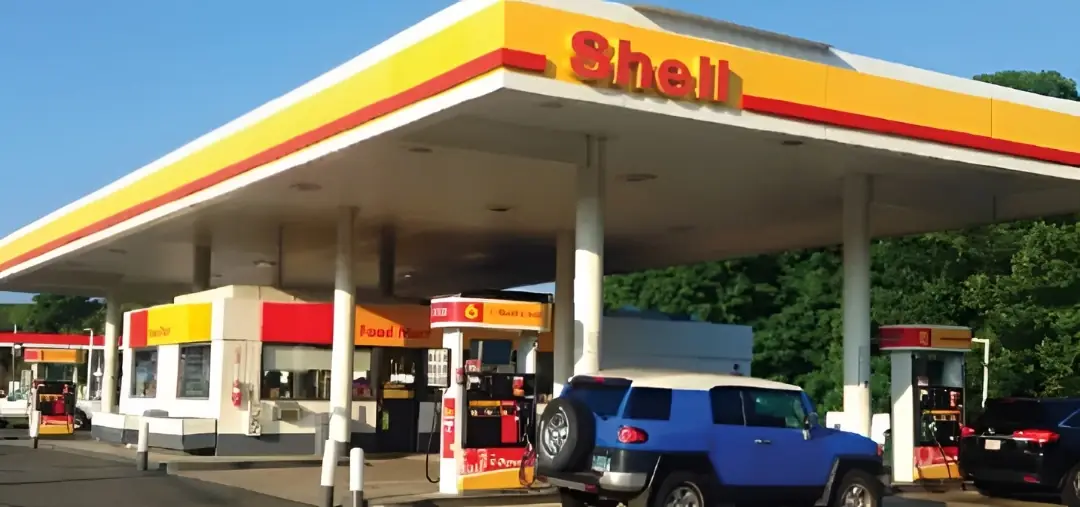
The Shell TellShell survey is the current United Kingdom customer-satisfaction questionnaire for recent Shell service-station visits. Shell UK support states that participants will be asked for the Site ID found on the receipt and estimates that the questionnaire takes about five minutes. The live survey welcome page currently offers eligible participants the opportunity to enter a draw for £100 worth of Shell V-Power.
Quick Highlights
| Official survey | tellshell.shell.com |
|---|---|
| Main receipt field | Shell Site ID |
| Estimated completion time | About five minutes according to Shell UK support |
| Current draw | £100 worth of Shell V-Power |
| Minimum age for draw | 18 or older |
What Is the Shell UK Customer Satisfaction Survey?
TellShell gathers feedback about a specific service station and transaction. It is intended for observations about the forecourt, pump availability, fuel purchase, shop, staff, queues, cleanliness and overall service. Shell separates this research survey from direct support channels: a complaint requiring investigation should also be submitted through Shell’s service-station webform or live chat.
TellShell Rules and Requirements
- Use a recent Shell UK service-station receipt.
- Locate the Site ID printed on the receipt.
- Open the official Shell-controlled survey route.
- Answer based on the visit tied to that receipt.
- Be at least 18 to enter the displayed prize draw.
- Read the live prize-draw terms before submitting personal contact details.
How to Find the Shell Site ID
The Site ID identifies the service station rather than the customer. Search the receipt near the station name, address, VAT details or transaction information. Do not substitute the pump number, card authorization code, Shell Go+ account number or last four payment-card digits unless the form specifically labels that field.
How to Complete the TellShell Survey
Locate the Shell Site ID
Keep the station receipt and find the Site ID that identifies the Shell service station.
Open TellShell.Shell.com
Use the Shell-controlled survey address and confirm the page identifies the United Kingdom customer satisfaction survey.
Enter the visit details
Enter the Site ID and any requested date, time or transaction information exactly as printed.
Submit and choose whether to enter
Complete the service-station questions, then decide whether to join the displayed £100 Shell V-Power prize draw.
TellShell £100 V-Power Prize Draw
The current UK welcome page says that, after completing the survey, participants can enter a draw to win £100 worth of Shell V-Power. The page also states an age minimum of 18. Shell publishes separate terms for the Tell Shell online feedback promotion, and those terms should be checked for membership, purchase, entry-limit, draw and notification conditions applicable at the time of entry.
What the Survey May Ask
Questions can cover the service station, availability of pumps, cleanliness, speed of payment, staff attitude, shop availability, overall satisfaction and likelihood to recommend or return. Describe a problem with enough detail to be useful but avoid adding full card numbers or unnecessary personal information.
TellShell Troubleshooting
| Problem | Fix |
|---|---|
| Site ID rejected | Re-read the receipt and distinguish the Site ID from the pump, VAT or transaction numbers. |
| Survey loops or does not load | Use a current browser, allow essential cookies and open the Start the survey link from Shell UK support. |
| Need a direct response | Use Shell live chat or the Shell Service Stations webform; the survey is primarily research. |
| No receipt | Use the webform and provide the station, date, time, amount and fuel details if available. |
| Prize entry unclear | Read the terms linked from the live survey before opting in. |
Shell UK Customer Support
Shell UK offers live chat on weekdays and a dedicated service-station enquiry form. Use those routes for payment disputes, missing receipts, station complaints or a matter requiring follow-up. Shell support also recommends providing the station, date, time, amount and fuel details when a receipt must be located.
Privacy and Scam Safety
- TellShell should request visit data, not online-banking credentials.
- Use the Shell domain or the Shell support Start the survey link.
- The £100 offer is a draw; do not pay a fee to claim it.
- Do not post a receipt image containing transaction data on a public forum.
Step-by-Step Summary
- Locate the Shell Site ID: Keep the station receipt and find the Site ID that identifies the Shell service station.
- Open TellShell.Shell.com: Use the Shell-controlled survey address and confirm the page identifies the United Kingdom customer satisfaction survey.
- Enter the visit details: Enter the Site ID and any requested date, time or transaction information exactly as printed.
- Submit and choose whether to enter: Complete the service-station questions, then decide whether to join the displayed £100 Shell V-Power prize draw.
Why Take the Shell Survey?
Shell can associate a Site ID with the station that delivered the experience. Specific comments about queues, equipment, cleanliness, stock or staff are more actionable than a generic score. A direct support request should be used alongside the survey when a resolution is needed.
About Shell UK
Shell operates branded fuel and convenience locations in the United Kingdom and provides Shell Go+, fuel, charging and service-station support through its UK websites and customer-service channels.
Official Sources Checked
This guide was checked against the current company-controlled page, survey destination, published support material or official rules listed below. The live receipt and official rules remain controlling.
- Shell UK Voice of the Customer support article
- TellShell survey
- Shell Tell Shell prize-draw terms
- Shell service-station support form
TellShell Survey FAQs
What is the Site ID for TellShell?
Shell UK says the Site ID is found on the service-station receipt and is used to identify the location.
What is the current TellShell prize?
The current UK survey welcome page says eligible participants can enter a draw to win £100 worth of Shell V-Power.
How old must I be to enter the prize draw?
The current survey welcome page says entrants must be 18 or older.
Do I have to enter the prize draw to give feedback?
The survey collects feedback first and presents an opportunity to enter; read the live options and terms.
How long does TellShell take?
Shell UK support says the survey takes approximately five minutes.
Where is the official survey?
Use tellshell.shell.com or the Start the survey link from Shell UK support.
What if I cannot find the Site ID?
Check the receipt near the station and transaction details, or contact the station/support rather than guessing.
Can I report a serious station issue in the survey?
You can mention it, but Shell also provides live chat and a service-station webform for issues needing a direct response.
Does TellShell ask for my Shell Go+ password?
A customer-satisfaction survey should not require your account password. Verify the domain and leave if credentials are requested unexpectedly.
Is the £100 prize guaranteed?
No. It is a prize draw, not a payment for every completed survey.