TellHCO.com is an established Hollister receipt-feedback address that currently routes to an Abercrombie & Fitch Co. Qualtrics survey environment. Because public pages do not consistently expose the current coupon terms, the receipt and final screen must control the offer.
Quick Highlights
| Survey address | TellHCO.com |
|---|---|
| Use it when | A current Hollister receipt prints the address and survey code |
| Likely input | Receipt survey code and visit details |
| Reward | Use only the offer printed on the current receipt/final screen |
| Official support | Hollister help/chat or hollisterco@hollisterco.com |
What Is the Hollister Co. Feedback Survey?
The TellHCO survey connects a recent Hollister in-store purchase with feedback about merchandise, size availability, associate service, fitting rooms, checkout and store presentation. It is separate from Hollister House Rewards, online-order tracking and returns.
Current Survey Status
The domain is associated with the brand’s feedback workflow and has been observed redirecting to an Abercrombie-hosted Qualtrics form. Public search results and third-party guides conflict on whether the reward is $10 off, 10% or 15% off, so this page no longer promises any one value.
Hollister Co. Survey Rules and Requirements
- A recent Hollister receipt containing a TellHCO invitation or survey code.
- The exact survey address printed on the receipt; avoid similar domains with different endings.
- A current browser with cookies and JavaScript enabled.
- Enough time to complete the session without using the browser Back button.
- The receipt and final screen to confirm any coupon amount, minimum spend and expiration.
How to Read the Receipt or Invitation
Find the survey invitation and code near the bottom of the receipt. The form can also ask for store, register, transaction, date or time details. Match each label instead of guessing the code length. A legitimate store survey does not need your Hollister account password or full payment-card number.
How to Complete the Hollister Co. Survey or Feedback Form
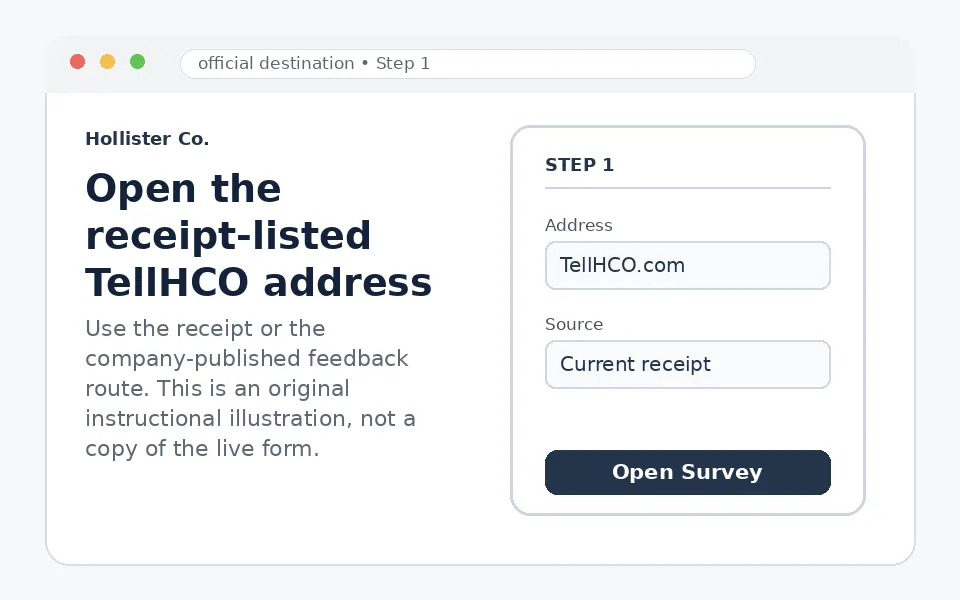
Open the receipt-listed TellHCO address
Type TellHCO.com exactly or use a trusted receipt QR code. Confirm the destination is a Hollister/Abercrombie feedback form.
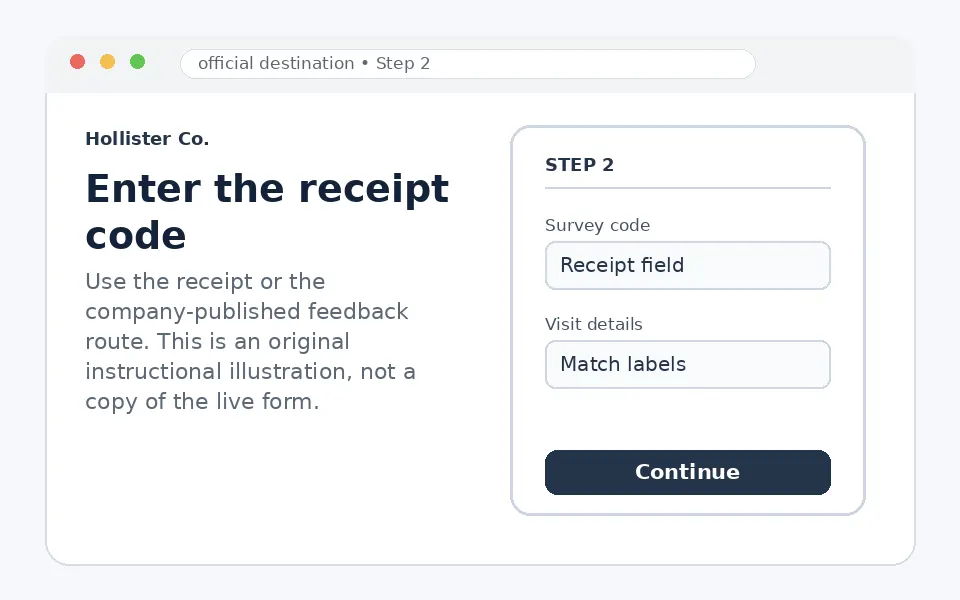
Enter the receipt code
Copy the survey code exactly as printed. If the form separately asks for store or transaction fields, use the matching receipt labels.
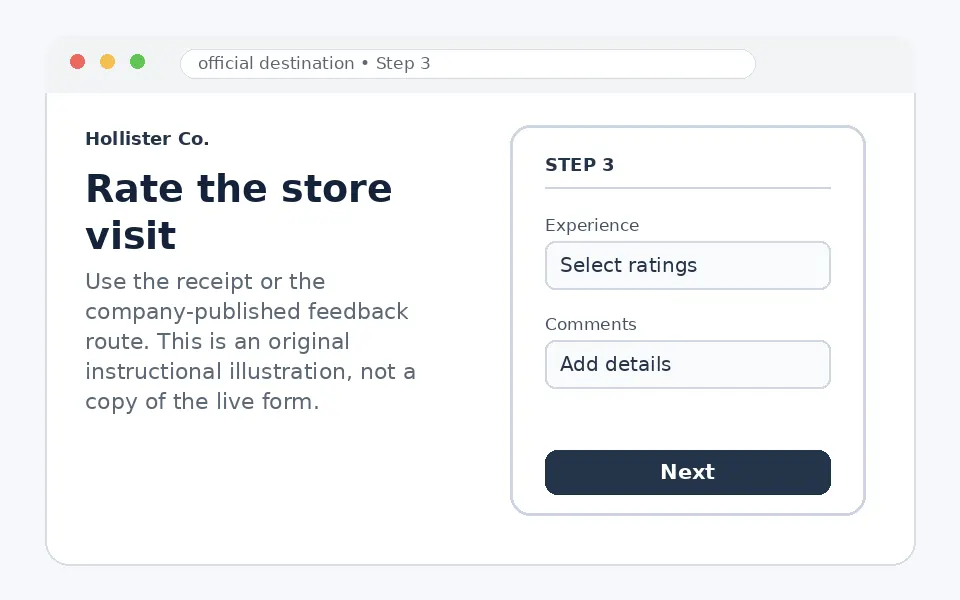
Rate the store visit
Answer about product availability, associate help, fitting rooms, checkout and overall experience. Add specific comments where useful.
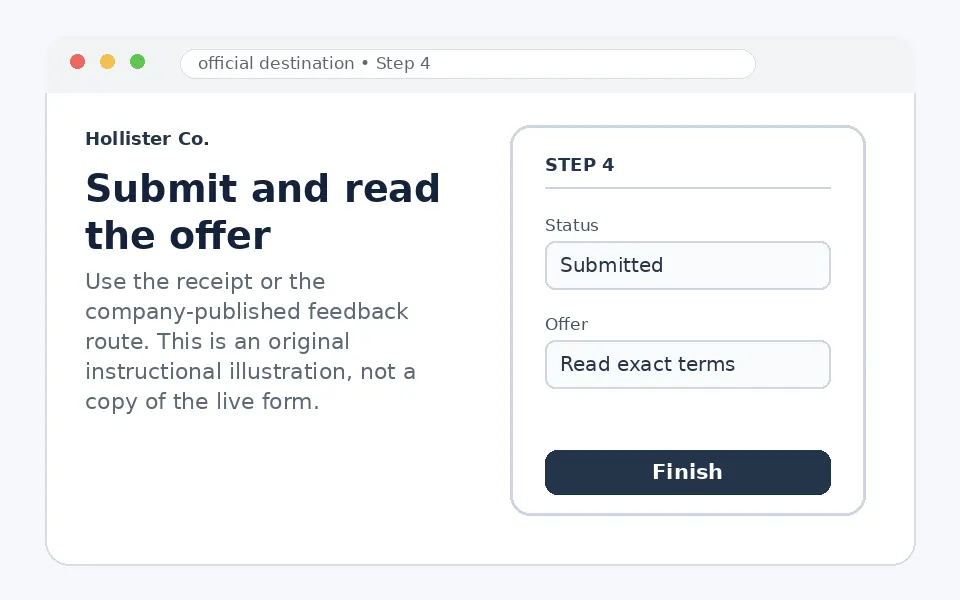
Submit and read the offer
Save the final validation or coupon only if the official screen displays it. Follow the exact minimum purchase, date and channel restrictions.
Questions You May See in the Hollister Co. Survey
The sequence may cover whether you found the desired item or size, how easy it was to get help, fitting-room condition, associate friendliness, checkout speed, store organization and likelihood to return. A factual comment can help distinguish a stock issue from a service issue.
Hollister Co. Survey Reward or Offer
Do not assume a fixed $10, 10% or 15% discount. Different receipts and campaigns can carry different offers, and some invitations may be feedback-only. The current receipt and final official screen determine the reward, threshold, expiry and whether it is valid in stores, online or both.
Hollister Co. Survey Eligibility and Availability
The receipt survey is generally for a recent Hollister store visit where the invitation was issued. Region, receipt age and offer terms can differ. A receipt code can be single-use. The public form does not establish a universal age or residency rule for every campaign.
Privacy and Account-Security Notes
Use TellHCO.com exactly and confirm the brand-hosted feedback screen. Do not send card numbers, passwords or government identifiers. Contact Hollister customer service separately for returns, online orders or account problems.
Hollister Co. Survey Code and Access Problems
| Problem | What to do |
|---|---|
| TellHCO does not open | Retry from a current browser, disable an in-app browser and use the exact receipt address. |
| The survey code is rejected | Re-enter the code and any store/transaction fields exactly as labeled. |
| The receipt is old | The invitation may have expired; the receipt controls the entry window. |
| You expected a specific discount | Only the current receipt and final screen can confirm the offer. |
| You need help with an order or return | Use Hollister Customer Help/chat instead of the store survey. |
Hollister Co. Customer Service Contact Information
Abercrombie & Fitch Co. publishes hollisterco@hollisterco.com for Hollister customer service. Hollister’s official help pages also provide chat and region-specific support options.
Hollister Co. Survey Step-by-Step Summary
- Use a current Hollister receipt.
- Open TellHCO.com exactly.
- Enter the survey code and any labeled visit fields.
- Rate the specific store experience.
- Save only the offer shown on the official final screen.
Why Should You Share Hollister Co. Feedback?
Receipt-linked feedback can show whether an issue involved inventory, fitting-room access, staff assistance or checkout. That detail is more actionable than posting only a general complaint and does not require sharing account credentials.
About Hollister Co.
Hollister Co. is an apparel brand owned by Abercrombie & Fitch Co. Its customer-service channels, loyalty program and purchase-feedback surveys are separate systems.
Hollister Co. Survey FAQs
Is TellHCO.com the Hollister receipt survey address?
It is an established Hollister feedback address; use it only when printed on a current receipt.
What reward does TellHCO give?
The value varies by receipt or campaign, so read the actual receipt and final screen.
Is the reward always 15% off?
No universal 15% offer is confirmed.
Do I need a receipt?
Yes, the receipt normally supplies the survey invitation and access code.
What if the code does not work?
Retype it and match any separate store, register or transaction fields.
Can I enter my Hollister password?
No. A receipt survey should not need your shopping-account password.
Can I use a coupon online?
Only when the coupon terms explicitly permit online redemption.
Where do I report an online-order problem?
Use Hollister Customer Help or chat, not the receipt survey.
Who owns Hollister?
Hollister is owned by Abercrombie & Fitch Co.
How do I contact Hollister support?
Use official help/chat or email hollisterco@hollisterco.com.
- TellHCO receipt survey address
- Abercrombie & Fitch Co. official contact page
- Hollister official customer help
The current receipt, invitation, company-published feedback page and any linked rules control participation. Form fields and offers can change without notice.