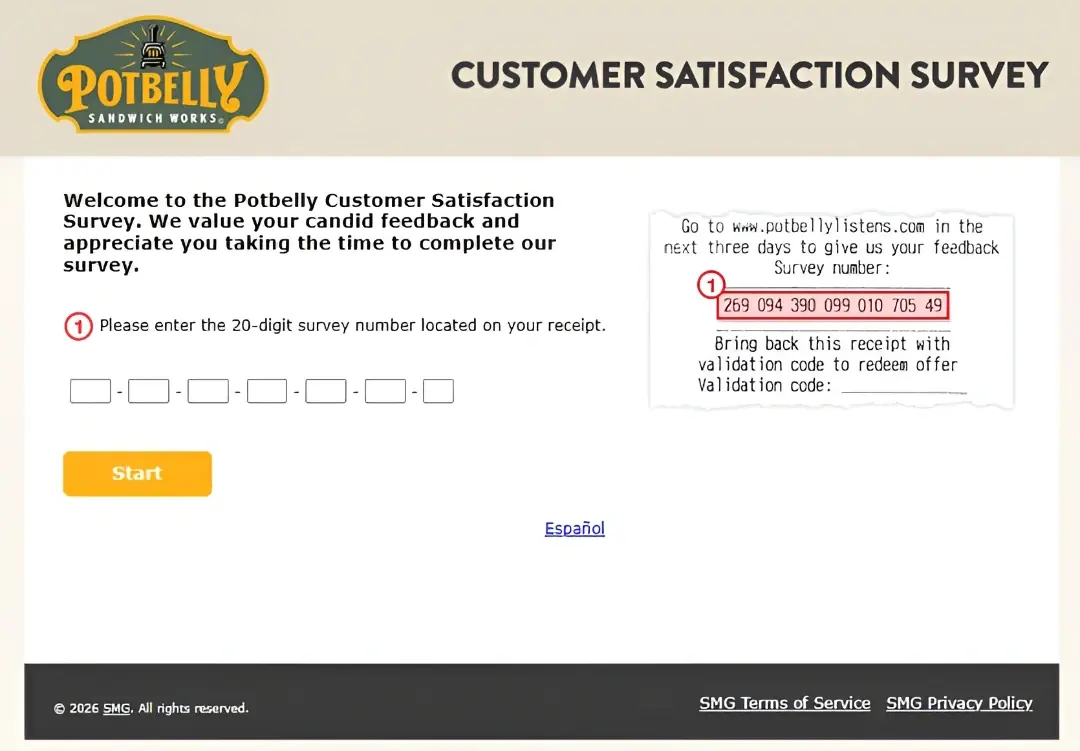
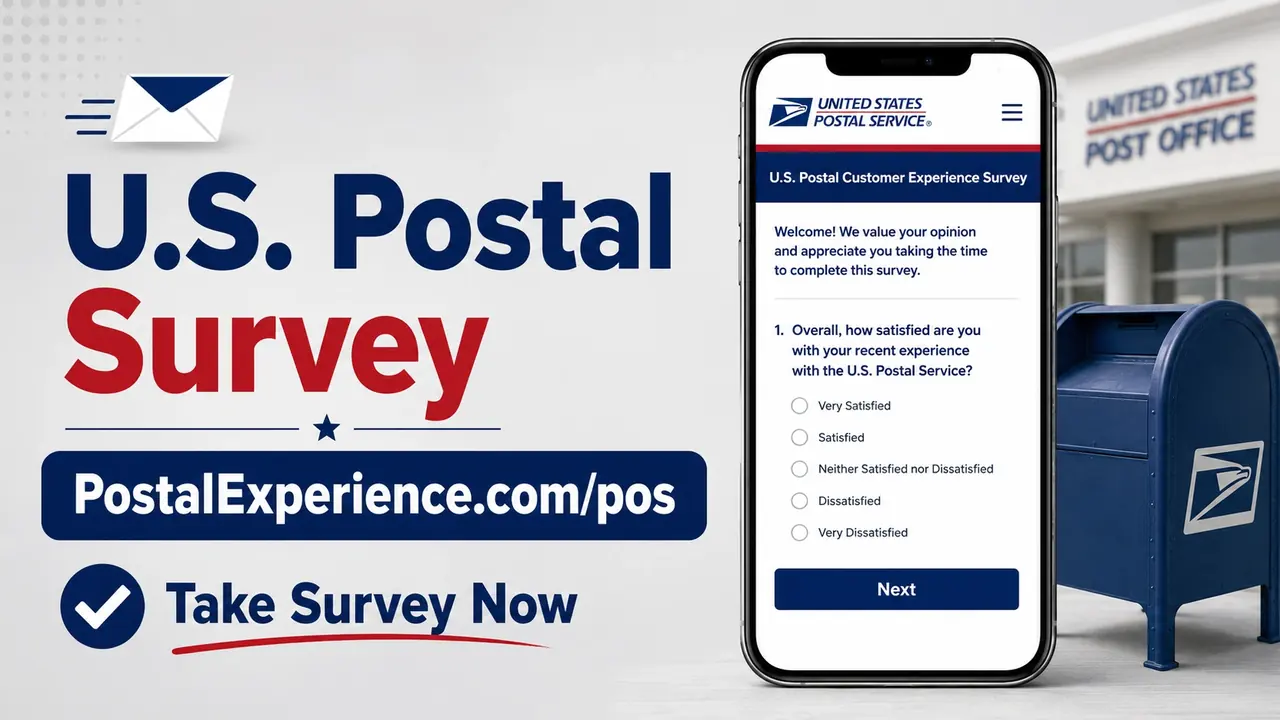
PostalExperience.com/pos is the web address USPS publishes for its retail receipt survey. USPS states that retail receipts from all points of sale carry a survey offer and also provides a dedicated telephone survey option at 1-800-410-7420. The survey is designed to rate a Post Office transaction; it does not award a cash prize, resolve tracking problems or replace a service request.
Quick Highlights
| Official web survey | PostalExperience.com/pos |
|---|---|
| Retail receipt survey phone | 1-800-410-7420 |
| Who receives an offer | USPS says retail receipts from all points of sale |
| General USPS customer care | 1-800-ASK-USPS (1-800-275-8777) |
| Prize or coupon | None published |
What Is the USPS Survey?
The USPS retail receipt survey collects feedback about a Post Office counter transaction. It can measure wait time, employee service, information, transaction ease and overall satisfaction. It is not the place to file a missing-mail search, tracking inquiry, insurance claim or refund request.
Current Survey Status
USPS’s current Customer Experience Surveys FAQ lists PostalExperience.com/pos and 1-800-410-7420 for the retail receipt survey. The web address redirects to a USPS customer-experience form operated through InMoment. USPS’s general Customer Care Center remains the correct route for mail, tracking and delivery problems.
USPS Survey Rules and Requirements
- A recent USPS retail receipt and the survey information printed on it.
- Use of PostalExperience.com/pos or the official phone number 1-800-410-7420.
- Entry of only the visit information requested by the form or phone prompts.
- The USPS Contact Us or claims process for a mail problem that needs action.
- No expectation of a prize, coupon or postal discount.
How to Read the Receipt or Invitation
Keep the receipt available throughout the survey because the web or phone prompts may request identifiers tied to the Post Office visit. Follow the field labels exactly rather than entering a tracking number unless the survey specifically asks for it.
How to Complete the USPS Survey
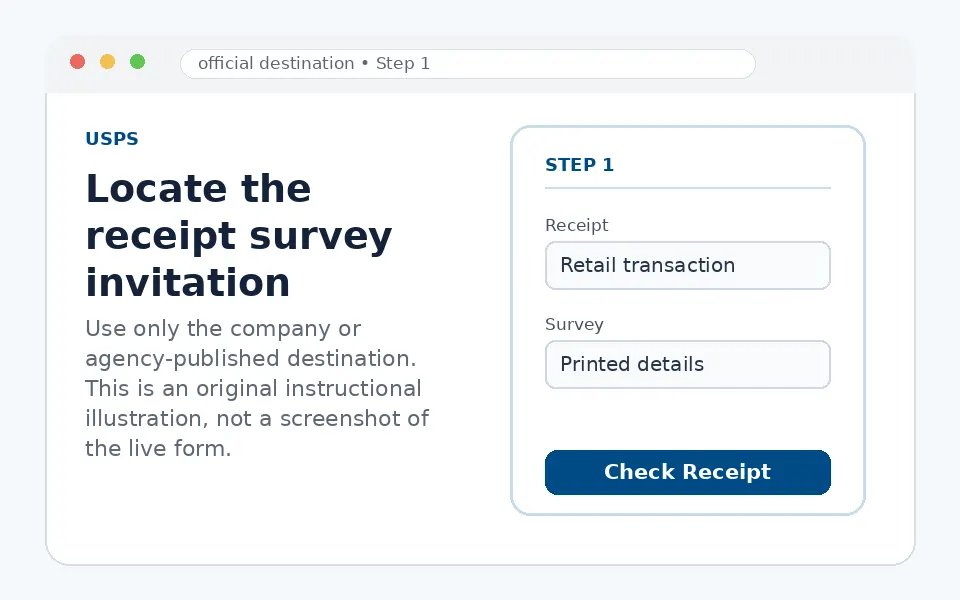
Locate the receipt survey invitation
Find PostalExperience.com/pos and any survey or transaction details printed on the USPS receipt.
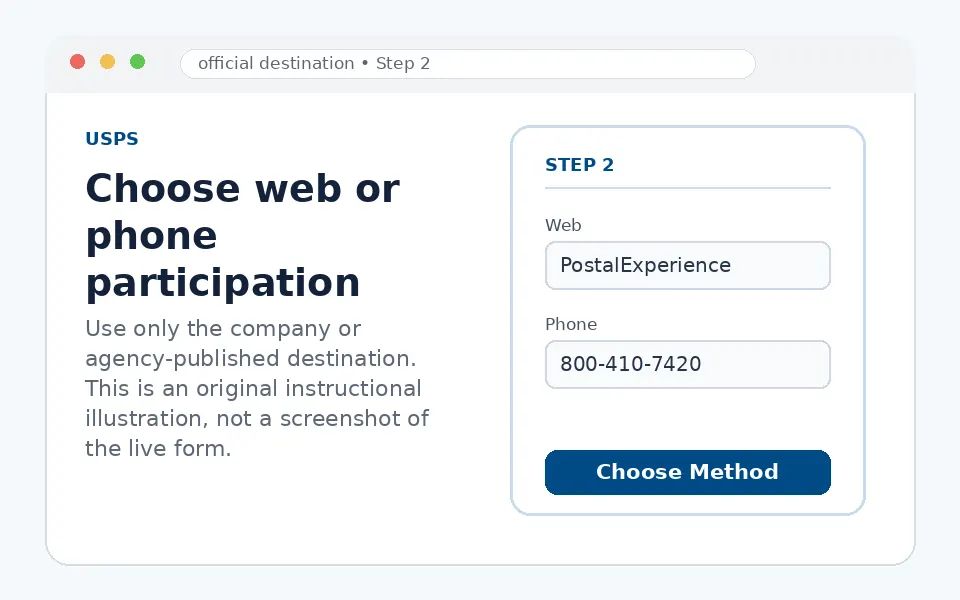
Choose web or phone participation
Open PostalExperience.com/pos or call 1-800-410-7420. Both are listed by USPS for retail receipt feedback.
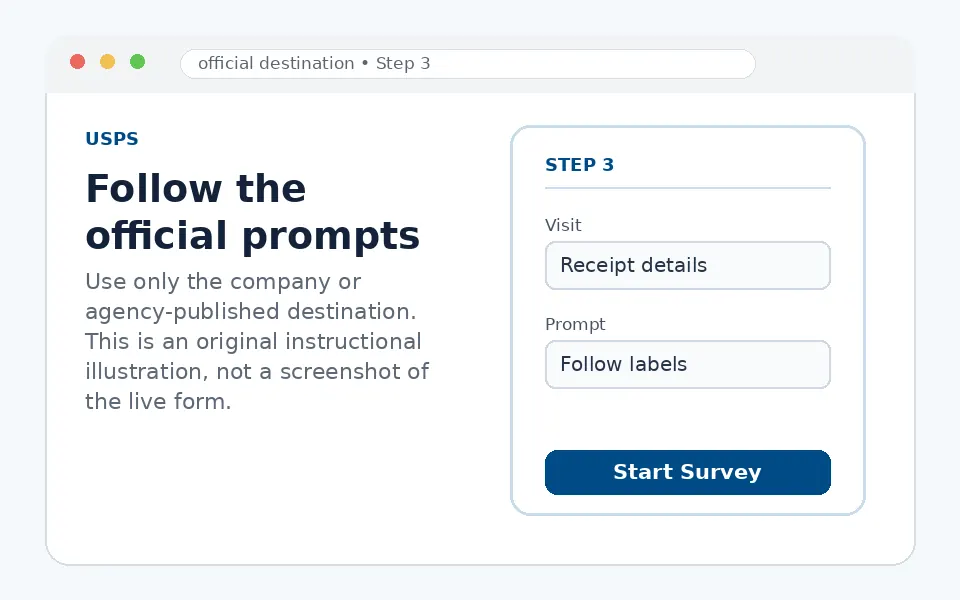
Follow the official prompts
Enter or speak only the visit information requested. Do not substitute a tracking number for a receipt field unless directed.
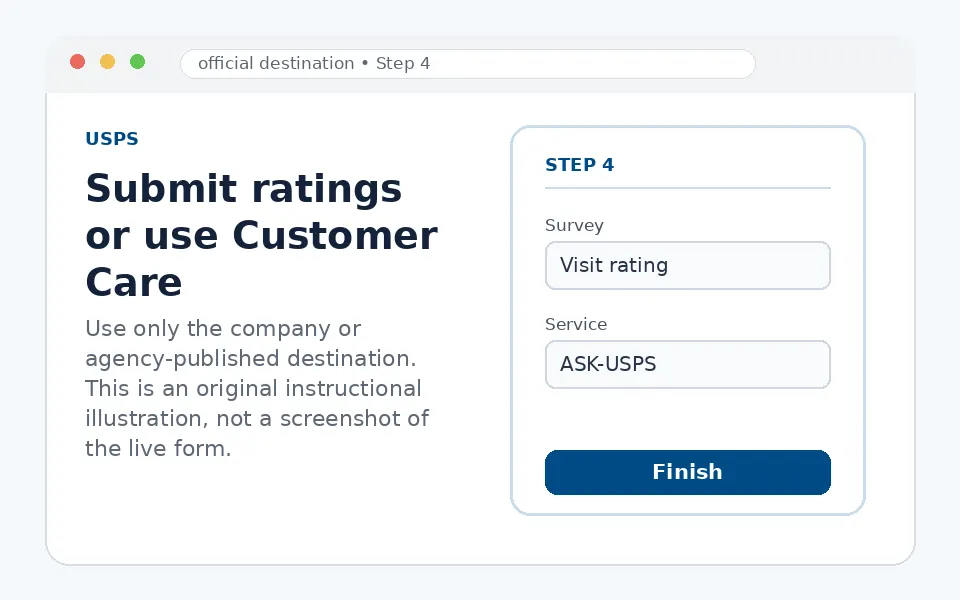
Submit ratings or use Customer Care
Finish the visit survey. For tracking, claims, missing mail or delivery action, contact 1-800-ASK-USPS or the appropriate USPS help tool.
Questions You May See in the USPS Survey
The retail survey can ask about waiting time, employee courtesy and knowledge, transaction accuracy, facility condition, ease of the visit and overall satisfaction. These ratings are separate from the operational status of a mailed item.
USPS Survey Reward or Offer
USPS does not publish a prize or coupon for the retail receipt survey in its current survey FAQ. Be cautious of any third-party page that claims the PostalExperience survey pays cash or requires a fee.
USPS Survey Eligibility and Availability
USPS says retail receipts from all points of sale have a survey offer. The receipt and official prompts determine what transaction data is required. The survey can be completed by web or the published telephone number.
Privacy and Account-Security Notes
PostalExperience redirects to a customer-experience platform used for USPS surveys. Do not provide an online USPS account password, full card number, Social Security number or payment to complete a retail survey.
USPS Survey Code and Access Problems
| Problem | What to do |
|---|---|
| Web address redirects to another host | USPS uses a customer-experience platform; begin from PostalExperience.com/pos. |
| Receipt details are rejected | Match the prompts exactly and use a recent retail receipt. |
| You prefer not to use the website | Call the official retail survey number, 1-800-410-7420. |
| You have a tracking or delivery problem | Call 1-800-ASK-USPS or use USPS Help. |
| A survey page asks for payment | Stop; the official feedback survey does not require a fee. |
USPS Customer Service Contact Information
For general USPS assistance, call 1-800-ASK-USPS (1-800-275-8777). USPS lists hours of Monday–Friday 8 a.m.–8:30 p.m. ET and Saturday 8 a.m.–6 p.m. ET. Use the dedicated survey phone number only for retail feedback.
USPS Survey Step-by-Step Summary
- Keep the USPS retail receipt.
- Open PostalExperience.com/pos or call 1-800-410-7420.
- Follow the requested receipt prompts.
- Rate the Post Office transaction.
- Use 1-800-ASK-USPS or USPS Help for mail-service resolution.
Why Should You Share USPS Feedback?
The receipt survey measures the retail counter experience and can identify service or wait-time patterns at a Post Office. Operational mail problems need a separate customer-service case.
About USPS
The United States Postal Service is an independent establishment of the U.S. federal government providing mail and shipping services. PostalExperience is one of its customer-experience survey channels.
USPS Survey FAQs
Is PostalExperience.com/pos listed by USPS?
Yes.
Is there a phone survey option?
Yes, 1-800-410-7420.
Does every retail receipt have an offer?
USPS says retail receipts from all points of sale do.
Is there a prize?
No prize is published in the current USPS survey FAQ.
Can the survey track a package?
No.
What is the general USPS number?
1-800-275-8777.
Can I complete it without a USPS account?
Yes.
Why does the URL redirect?
USPS uses a customer-experience survey platform.
Should I pay to take it?
No.
Where do I report missing mail?
Use USPS Help or Customer Care, not the receipt survey.
- USPS official Customer Experience Surveys FAQ
- USPS retail survey web address
- USPS official Contact Us
The current receipt, live form, validation message and published terms control participation. Survey fields, availability and offers can change by restaurant, location or program period.