Mark’s now directs retail-store comments from its official customer-service page to a Medallia feedback form. The older Marks-survey.com address referenced by the legacy article could not be confirmed as the current company-linked destination, so this guide sends readers to the route Mark’s publishes today.
Quick Highlights
| Current company-linked form | Mark’s Retail Feedback Form |
|---|---|
| Languages | English, Français and Español are shown on the Medallia landing page |
| Receipt | Keep it available for store, date, transaction and purchase context |
| Publicly stated reward | None on the current company contact page |
| Retail support | 1-866-339-1626, option 1, extension 3 |
What Is the Mark's Feedback Survey?
The Mark’s retail feedback form is a way to report a recent in-store experience, including service, product availability, checkout, store condition or an unresolved concern. It is not the Triangle Rewards login, an order-status page or a payment form. Mark’s distinguishes online-order support from retail-store feedback, so choose the route that matches what happened.
Current Survey Status
The current Mark’s contact page explicitly links a Retail Feedback Form hosted at survey.medallia.ca and offers English, French and Spanish. Mark’s also publishes a separate telephone option for retail-store questions. This is a feedback/contact route rather than a publicly documented prize survey.
Mark's Survey Rules and Requirements
- Use the retail feedback link published on the official Mark’s Contact Us page.
- Keep the store receipt or other visit details nearby so the location and transaction can be identified.
- Describe the date, approximate time, department and issue without sending full payment-card data.
- Choose the correct language before entering the form.
- For an urgent store issue, call retail customer service instead of waiting for a survey response.
How to Read the Receipt or Invitation
The live form may ask for a store location, date, time, transaction reference, contact details and a description. Mark’s warns users not to include confidential, proprietary, sensitive or account information in messages. A full card number, account password, security code or government ID is not needed for ordinary store feedback.
How to Complete the Mark's Survey or Feedback Form
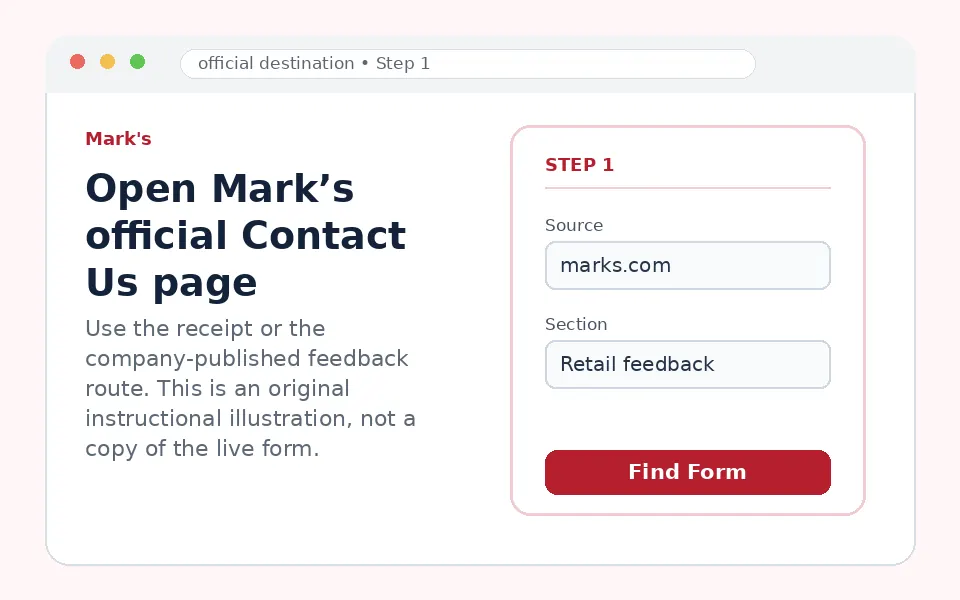
Open Mark’s official Contact Us page
Start from Mark’s own customer-service page and locate the Retail Store Customer Service section. This avoids old or look-alike survey domains.
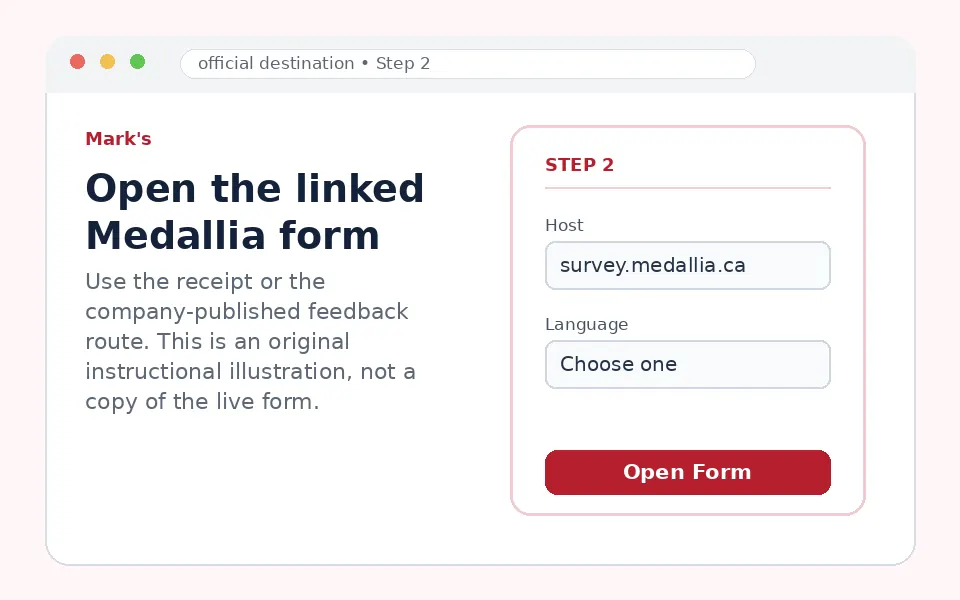
Open the linked Medallia form
Choose the company-published Retail Feedback Form. The landing page currently offers English, French and Spanish.
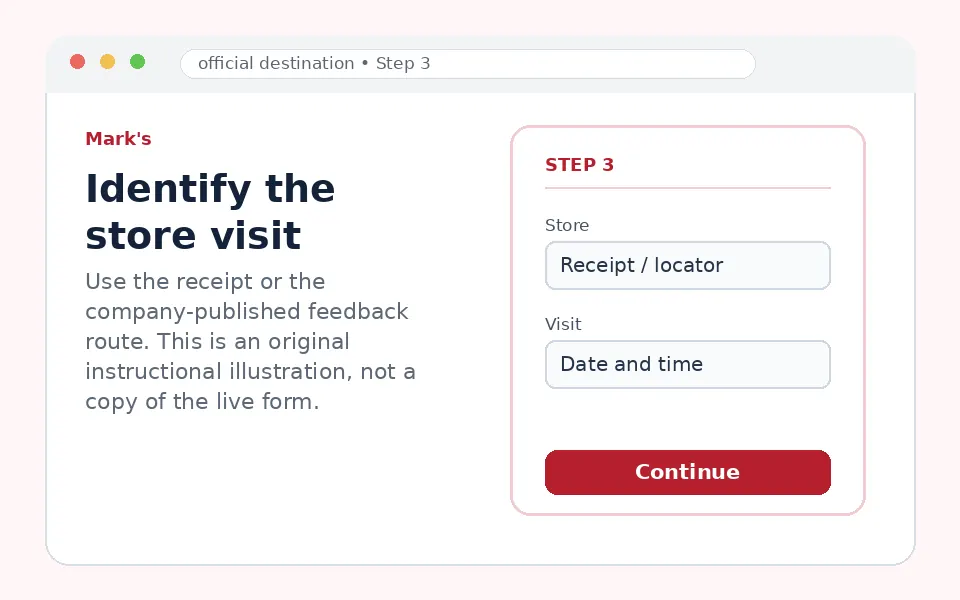
Identify the store visit
Enter only the requested location, date, time or transaction details. Use the receipt to prevent store or visit mismatches.
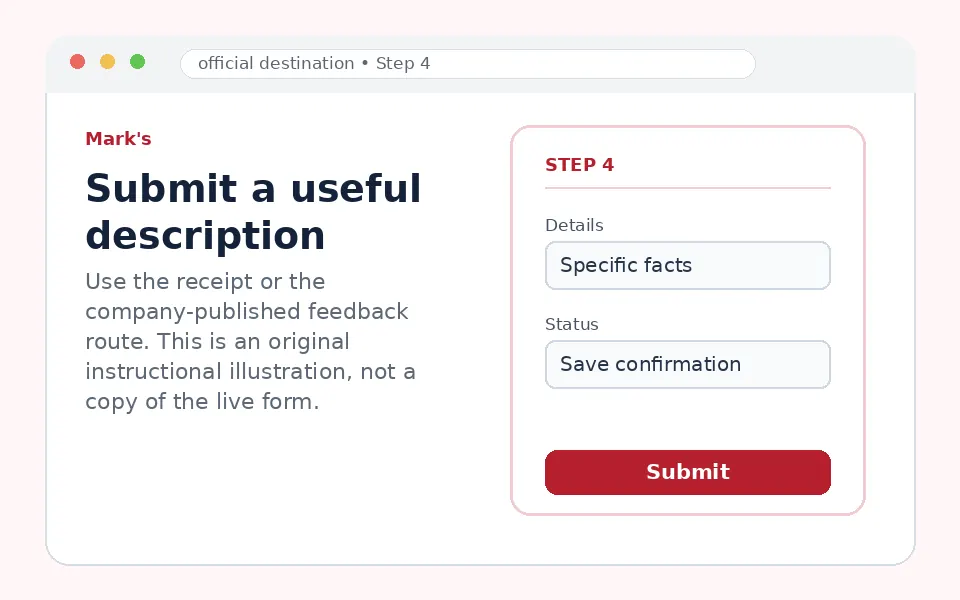
Submit a useful description
Explain what happened, what was expected and whether store staff tried to resolve it. Save a case confirmation if one appears.
Questions You May See in the Mark's Survey
A retail feedback form may ask which store you visited, why you visited, whether merchandise was available, how associates helped, checkout speed, store presentation and whether the matter was resolved. For a complaint, include the product category and sequence of events instead of only a low rating.
Mark's Survey Reward or Offer
The current company-published feedback route does not publicly promise a coupon, gift card or sweepstakes entry. Do not rely on reward claims from old survey guides. If a specific Mark’s receipt contains an offer, the receipt and completion screen must state the exact amount, expiry and restrictions.
Mark's Survey Eligibility and Availability
The form is intended for customers with feedback about Mark’s retail stores. Online-order issues should use the Online Store Customer Service options instead. The availability of language or contact choices may differ by region, and the company form may request contact information if a reply is needed.
Privacy and Account-Security Notes
Use only the Mark’s-linked Medallia form. Do not put a full credit-card number, Triangle account password or sensitive identity document into free-text feedback. Mark’s specifically cautions against including sensitive or account information in its contact form.
Mark's Survey Code and Access Problems
| Problem | What to do |
|---|---|
| Old Marks-survey.com page does not load | Use the Retail Feedback Form linked from the current Mark’s Contact Us page. |
| You have an online order issue | Use Online Store Customer Service rather than the retail-store feedback form. |
| You cannot identify the store | Use the official store locator, then provide the location and visit date. |
| The form is blank or loops | Enable JavaScript, use a current browser and open the Medallia link outside an in-app browser. |
| You need an urgent response | Call Mark’s retail support at 1-866-339-1626, option 1, extension 3. |
Mark's Customer Service Contact Information
Mark’s lists Retail Store Customer Service at 1-866-339-1626, option 1, extension 3, Monday through Friday from 10 AM to 6 PM Eastern, with Saturday and Sunday closed. Online-store support uses a different extension and broader hours.
Mark's Survey Step-by-Step Summary
- Open the official Mark’s Contact Us page.
- Choose the company-linked Retail Feedback Form.
- Select English, French or Spanish.
- Use the receipt to identify the store and visit.
- Submit specific feedback and save any confirmation.
Why Should You Share Mark's Feedback?
The current form can route comments to the correct retail team when the store, date and issue are clearly identified. It is especially useful for recurring service or availability problems, while urgent safety or payment concerns should also be reported directly by phone.
About Mark's
Mark’s is a Canadian workwear, footwear and casual-apparel retailer operated within the Canadian Tire group. Its current site separates retail-store feedback, online-order support and general customer-service topics.
Mark's Survey FAQs
Is Marks-survey.com still the official Mark’s survey?
The current Mark’s Contact Us page instead links a Medallia retail feedback form, so use the company-published link.
Does the current form promise a reward?
No fixed reward is stated on the official contact page.
Which languages are available?
The Medallia landing page shows English, French and Spanish.
Do I need my receipt?
It is useful for identifying the store, date and transaction even if every field is not required.
Can I report an online order problem there?
Mark’s provides a separate Online Store Customer Service route for online orders.
What phone number handles retail feedback?
1-866-339-1626, option 1, extension 3.
Should I enter my card number?
No. Do not include full payment-card or other sensitive account information.
What should I write in the comments?
State the store, visit time, product or department, what happened and the outcome you want.
Can I use the form without a purchase?
The retail form can be used for store comments, but provide enough visit context for the team to investigate.
Where is the official form hosted?
The link published by Mark’s currently opens survey.medallia.ca.
The current receipt, invitation, company-published feedback page and any linked rules control participation. Form fields and offers can change without notice.