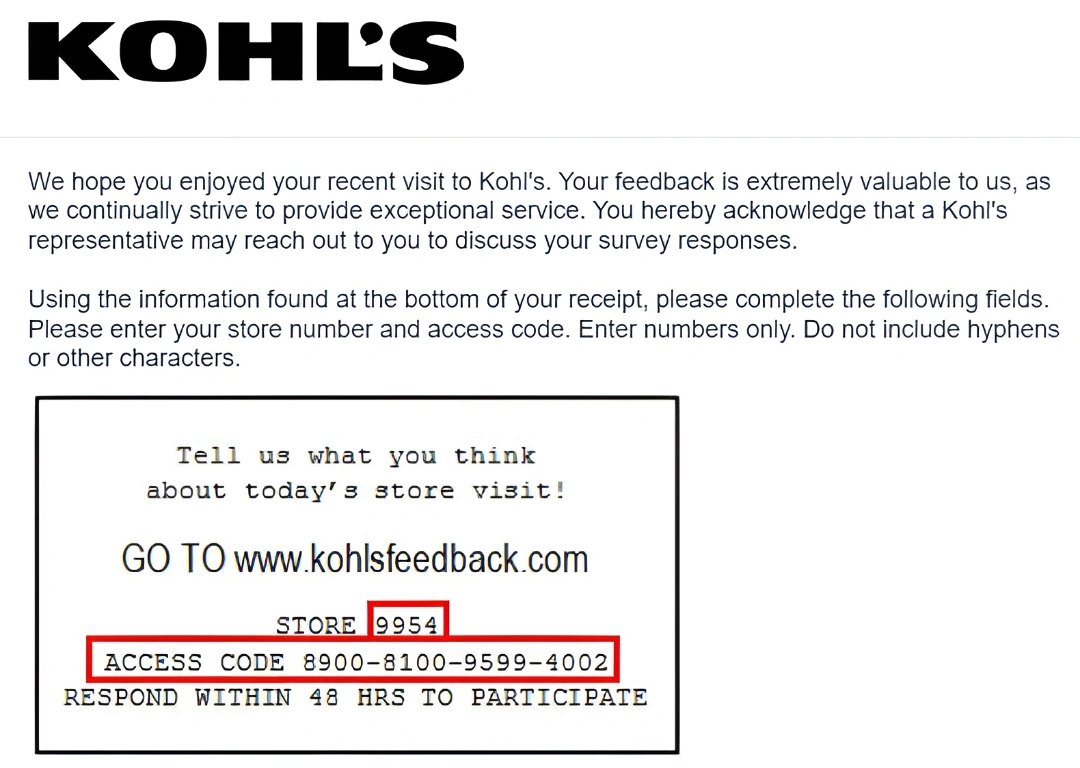
Kohl’s officially tells customers with an in-store purchase to use the survey URL and access code printed at the bottom of the receipt. It does not currently publish one universal survey URL or reward on the help page, so the receipt—not an old KohlsListens guide—must control entry.
Quick Highlights
| Official instruction | Kohl’s Store Visit Feedback |
|---|---|
| Entry method | Survey URL plus access code at the bottom of the receipt |
| No receipt | Use Kohl’s customer-service chat |
| Current public reward | No universal reward stated |
| Purchase type | Recent in-store purchase |
What Is the Kohl's Feedback Survey?
The Kohl’s store-visit survey is a receipt-linked feedback form for a recent in-store purchase. It can cover product selection, associate help, checkout, pickup/service-desk interaction and the condition of the store. It is separate from a Kohl’s Card account, Kohl’s Rewards and online-order support.
Current Survey Status
Kohl’s current Store Visit Feedback help article confirms a receipt-based survey URL and access code. It also says customers who did not make a purchase or do not have a receipt should use the chat button to speak with an agent. The legacy KohlsListens domain may appear on some receipts, but users should follow their own receipt.
Kohl's Survey Rules and Requirements
- A current Kohl’s receipt from an in-store purchase.
- The survey URL printed at the bottom of that receipt.
- The access code printed with the invitation.
- A current browser and enough time to finish before the receipt invitation expires.
- Kohl’s chat when there is no receipt or no purchase-linked survey access.
How to Read the Receipt or Invitation
Look at the bottom of the receipt for both the survey web address and access code. Do not assume that an old KohlsListens URL or a four-digit code applies to every receipt. Enter exactly what your receipt provides. The survey does not need a Kohl’s Card password or full card number.
How to Complete the Kohl's Survey or Feedback Form
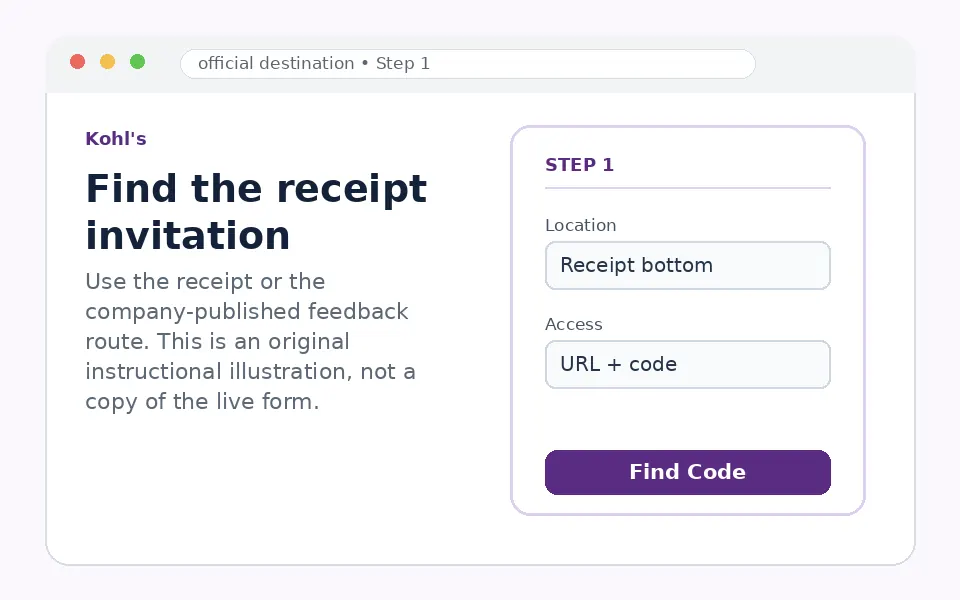
Find the receipt invitation
Check the bottom of the recent in-store receipt for the survey URL, access code and any deadline or offer language.
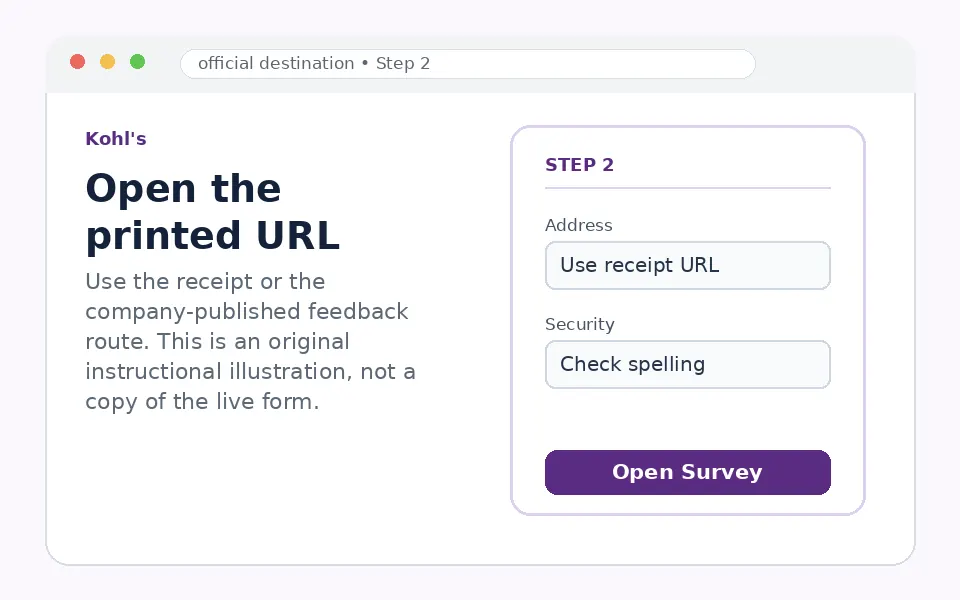
Open the printed URL
Type the receipt URL exactly. A current receipt may direct you differently from an old KohlsListens article.
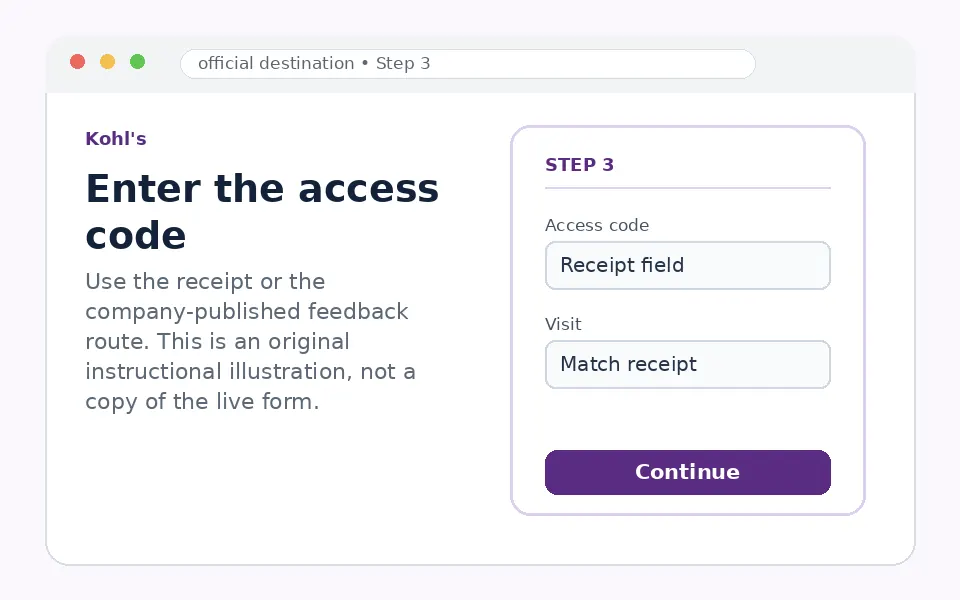
Enter the access code
Copy the code exactly and add visit details only when the official form asks for them.
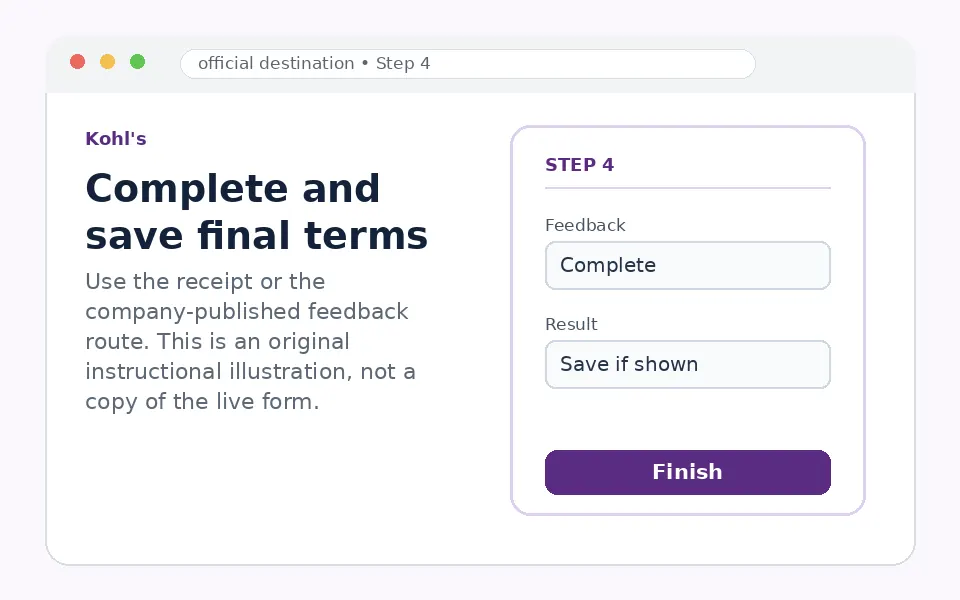
Complete and save final terms
Rate the store visit, submit and save a coupon or confirmation only when the official final page displays it.
Questions You May See in the Kohl's Survey
The survey may ask whether you found the desired merchandise, received useful associate help, waited at checkout, used customer service or pickup, and would return. Describe the department, issue and resolution for useful follow-up.
Kohl's Survey Reward or Offer
Kohl’s current Store Visit Feedback article does not promise a universal discount, Kohl’s Cash or sweepstakes prize. If the receipt includes an offer, follow the exact final terms. Do not rely on third-party pages advertising $1,000 or a fixed 10% coupon.
Kohl's Survey Eligibility and Availability
The receipt survey is specifically described for a recent in-store visit where a purchase was made. Customers without a purchase or receipt are directed to chat. Access-code timing and reuse rules are controlled by the receipt and survey screen.
Privacy and Account-Security Notes
Do not enter Kohl’s Card credentials, a full payment-card number or a one-time verification code. For account, payment, return or online-order matters, use Kohl’s Customer Service rather than the store survey.
Kohl's Survey Code and Access Problems
| Problem | What to do |
|---|---|
| You cannot find the survey URL | Check the bottom of the receipt; if no invitation is printed, use Kohl’s chat. |
| The access code is rejected | Retype it exactly and verify that the receipt is recent and unused. |
| KohlsListens is offline | Use the exact URL on the current receipt or the official help/chat route. |
| You have no receipt | Kohl’s instructs customers to use chat with an agent. |
| You expected a fixed reward | The official feedback article does not state one universal reward. |
Kohl's Customer Service Contact Information
Kohl’s official Store Visit Feedback article directs customers without a receipt to the chat button on Kohl’s Customer Service pages. Use the same official support area for account, order, return or payment questions.
Kohl's Survey Step-by-Step Summary
- Use a current in-store receipt.
- Find the survey URL and access code at the bottom.
- Open the exact printed address.
- Enter the code and rate the visit.
- Use Kohl’s chat if no receipt survey is available.
Why Should You Share Kohl's Feedback?
The current receipt route ensures the feedback is linked to the correct visit. It also prevents users from wasting time on an old survey domain that may not match their receipt.
About Kohl's
Kohl’s is a U.S. department-store retailer with separate systems for shopping accounts, Kohl’s Card, Rewards, customer support and store-visit feedback.
Kohl's Survey FAQs
Where is the Kohl’s survey code?
Kohl’s says the survey URL and access code are at the bottom of the receipt.
Is KohlsListens always the current URL?
Follow the exact URL on your current receipt.
What if I did not buy anything?
Use the chat button on Kohl’s customer-service pages.
What if I lost the receipt?
Use official chat; the purchase-linked survey code cannot be reconstructed from this guide.
Does the survey guarantee 10% off?
No universal reward is stated in the official feedback article.
Can I win $1,000?
No current official $1,000 survey claim was confirmed.
Do I need a Kohl’s Card login?
No.
Can I report an online-order issue in the survey?
Use Kohl’s Customer Service for online orders.
Why might a code fail?
It may be mistyped, expired or already used.
What should I include in comments?
The department, associate/service issue, checkout or pickup context and desired resolution.
- Kohl’s official Store Visit Feedback article
- Kohl’s Customer Service contact category
- Kohl’s main FAQ
The current receipt, invitation, company-published feedback page and any linked rules control participation. Form fields and offers can change without notice.