JCPenney officially confirms that its store receipts can invite customers to a survey and instruct shoppers to type JCPsurvey.com or JCP.com/survey into the browser. The company also warns that third-party pages promising a $500 JCPenney gift card in exchange for survey registration or banking details are not endorsed by JCPenney. Use the receipt access code and company-published route—not a search ad or copied form.
Quick Highlights
| Company-published routes | JCPsurvey.com or JCP.com/survey |
|---|---|
| Survey platform | Medallia receipt survey |
| Required item | Access code printed on a participating store receipt |
| Language choices | English, French and Spanish shown on the current form |
| Scam warning | JCPenney says $500 gift-card survey solicitations are not endorsed |
What Is the JCPenney Survey?
JCPenney officially confirms that its store receipts can invite customers to a survey and instruct shoppers to type JCPsurvey.com or JCP.com/survey into the browser. The company also warns that third-party pages promising a $500 JCPenney gift card in exchange for survey registration or banking details are not endorsed by JCPenney. Use the receipt access code and company-published route—not a search ad or copied form.
Current Survey Status
JCPenney's official phishing guidance explicitly identifies JCPsurvey.com and JCP.com/survey as receipt-survey routes. The current receipt survey resolves to a Medallia form with English, French and Spanish language options. JCPenney's customer-service page lists 1-800-322-1189 for general assistance.
JCPenney Survey Rules and Requirements
- Use an in-store JCPenney receipt that includes a survey invitation and access code.
- Type JCPsurvey.com or JCP.com/survey directly as JCPenney instructs.
- Enter the code exactly and complete it within the validity period printed on the receipt.
- Do not provide banking, Social Security or payment-card information to claim a survey gift card.
- Call JCPenney customer service when the issue involves an order, refund, account or store resolution.
How to Read the Receipt or Invitation
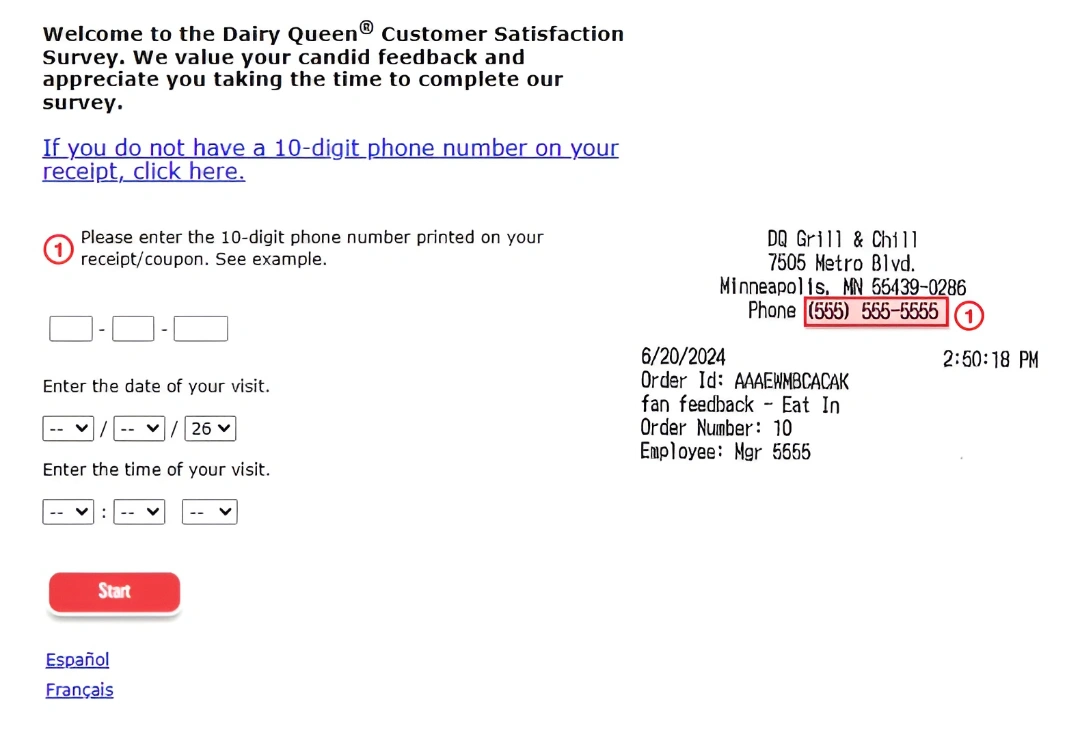
Before opening the survey, identify the exact company-published address, code groups, store or restaurant number, visit date, time, transaction amount and any expiration printed on the invitation. Not every receipt uses every field. Copy the values as printed, preserve leading zeroes and do not confuse a loyalty-account number with a survey code.
How to Complete the JCPenney Survey
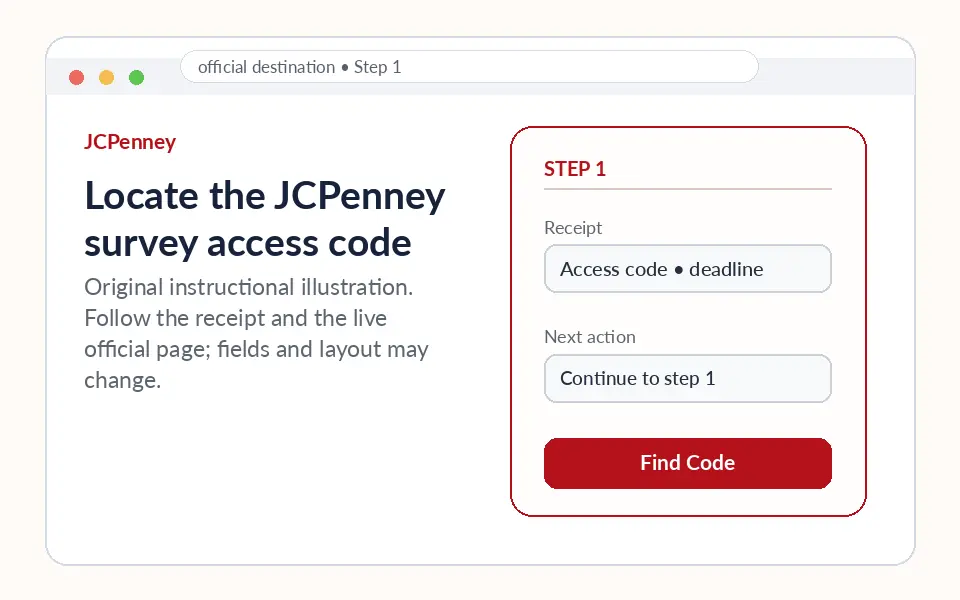
Locate the JCPenney survey access code
Read the receipt invitation and identify the access code, printed URL and any deadline.
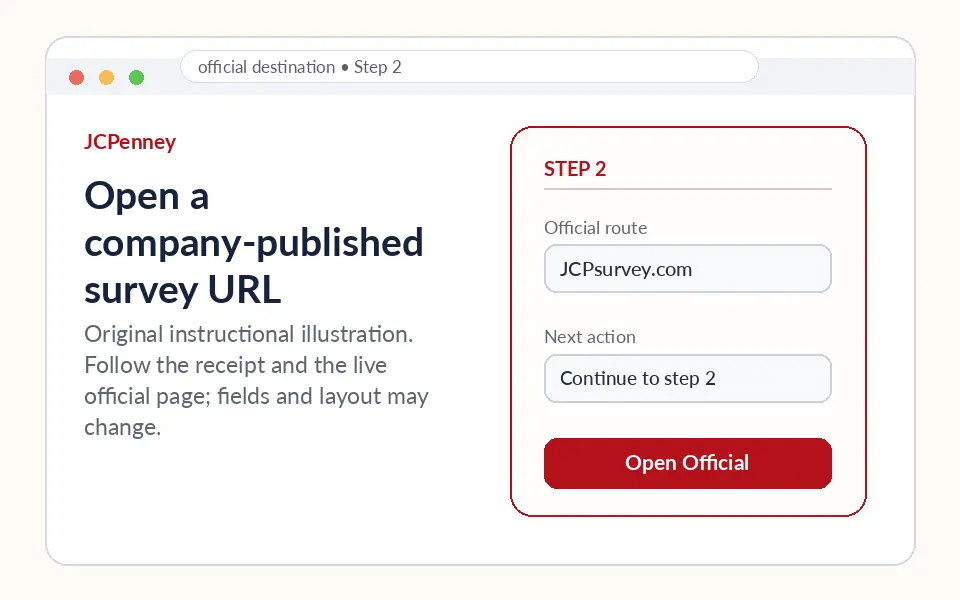
Open a company-published survey URL
Type JCPsurvey.com or JCP.com/survey directly. Avoid search results promising a high-value gift card.
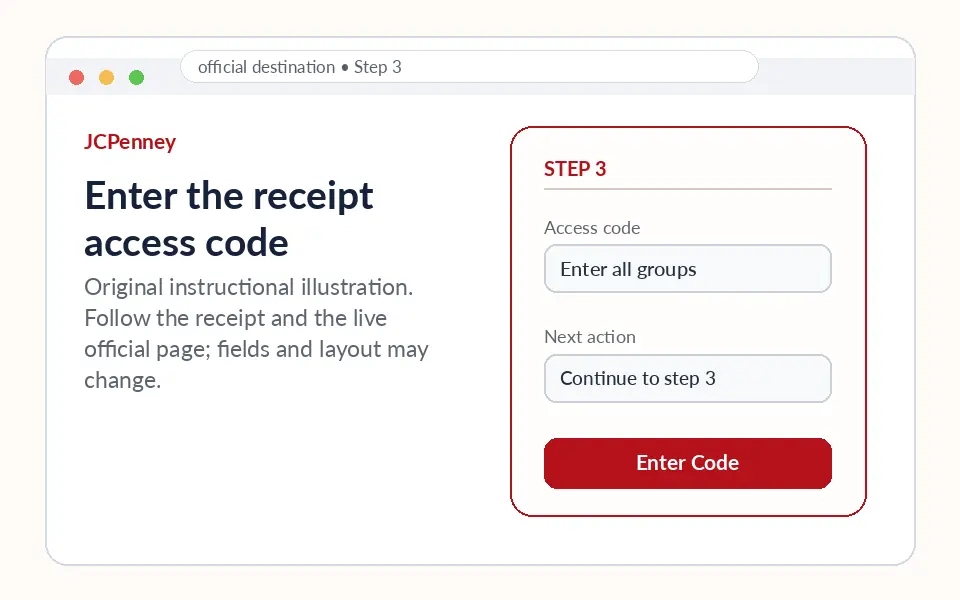
Enter the receipt access code
Copy all code groups in order and choose the preferred language. Recheck any zero and letter-like character.
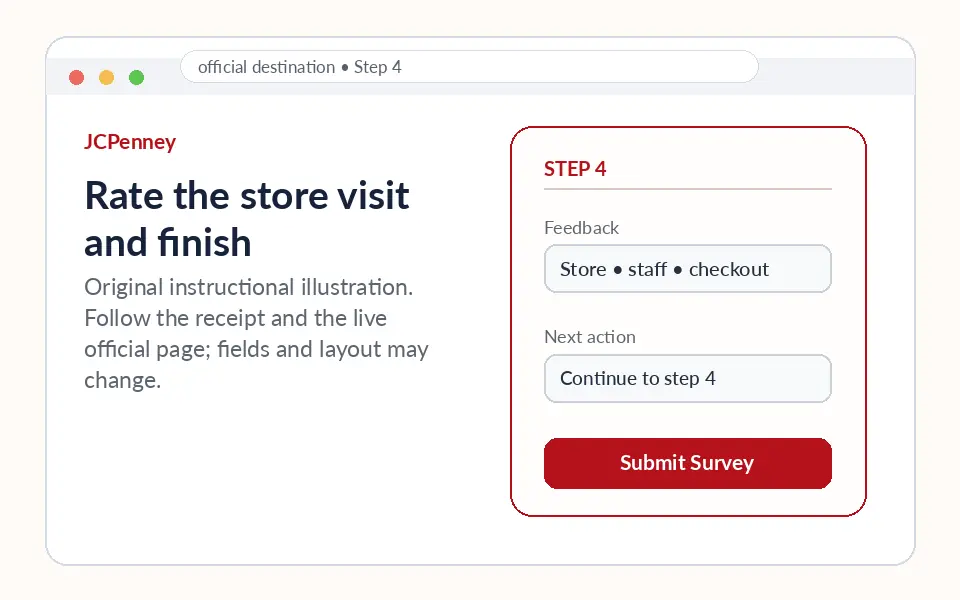
Rate the store visit and finish
Answer about merchandise, checkout, staff and store condition. Save only the offer or confirmation shown by the official flow.
JCPenney Survey Reward or Offer
JCPenney's own anti-phishing page says promises of a $500 JCP gift card for completing an online survey are not endorsed by the company. A legitimate receipt may contain a smaller, specific offer or no incentive. Follow only the wording on that receipt and the official completion screen; never pay shipping or provide bank details to receive a survey reward.
Questions the Survey May Ask
The questionnaire normally focuses on the specific visit or research invitation. Depending on this program, questions can cover product or food quality, availability, order accuracy, staff helpfulness, waiting time, cleanliness, value, likelihood to return and a free-text explanation. Answer from the actual experience rather than selecting the same score throughout.
Common Access Problems and Fixes
| Problem | Practical fix |
|---|---|
| JCP.com/survey redirects or does not load | Try JCPsurvey.com, the other company-published route, or the Medallia receipt form. |
| Access code rejected | Enter every group in order and confirm the receipt has not expired or already been used. |
| Search result promises $500 | Do not continue; JCPenney explicitly warns about this scam pattern. |
| Need a customer-service response | Call 1-800-322-1189 or use JCPenney customer-service resources. |
| Survey asks for bank or Social Security data | Close the page immediately; that is not normal receipt-survey access. |
JCPenney Customer Service or Support
JCPenney's official customer-service page lists 1-800-322-1189. Use that support route for orders, returns, account questions or a store concern requiring follow-up. The receipt survey collects experience feedback but is not a guaranteed customer-service case.
Privacy and Scam Safety
- Confirm the domain before entering a receipt code or account credentials.
- A normal guest survey should not require online-banking credentials, a Social Security number or payment to release a reward.
- Do not publish receipt numbers, contact details or order identifiers in public comments or social media.
- Use the company support route when a concern involves a refund, safety issue or direct response.
Step-by-Step Summary
- Locate the JCPenney survey access code: Read the receipt invitation and identify the access code, printed URL and any deadline.
- Open a company-published survey URL: Type JCPsurvey.com or JCP.com/survey directly. Avoid search results promising a high-value gift card.
- Enter the receipt access code: Copy all code groups in order and choose the preferred language. Recheck any zero and letter-like character.
- Rate the store visit and finish: Answer about merchandise, checkout, staff and store condition. Save only the offer or confirmation shown by the official flow.
Why Should You Take This Survey?
A useful JCPenney response identifies the store department, product availability, associate assistance, fitting-room or salon experience, checkout time and whether pricing or coupons were applied as expected. Avoid including sensitive account or payment information in free-text comments.
About JCPenney
JCPenney is a U.S. department-store retailer offering apparel, home merchandise, jewelry, beauty and salon services. Its website maintains customer-service, rewards, order and fraud-prevention resources.
Official Sources Checked
This page uses the current survey destination and company-controlled support material listed below. External forms can change without notice, so the live page and receipt remain controlling.
JCPenney Survey FAQs
What survey URLs does JCPenney publish?
JCPenney says receipts may direct customers to JCPsurvey.com or JCP.com/survey.
Do I need an access code?
A participating store receipt contains the access code used by the receipt survey.
Is the survey available in Spanish?
The current Medallia form shows English, French and Spanish choices.
Is a $500 JCPenney gift card legitimate?
JCPenney warns that $500 gift-card survey solicitations are not endorsed.
Should I pay shipping to receive a reward?
No. Do not pay or provide banking details for a survey gift card.
What if the access code fails?
Recheck all groups, the printed deadline and whether the receipt was already used.
Can an online-order email replace the receipt code?
Use the invitation method supplied with that transaction; the store receipt survey expects its own code.
Can the survey resolve a return?
Use JCPenney customer service or the return process for a resolution.
What is JCPenney customer-service phone number?
The official customer-service page lists 1-800-322-1189.
How do I spot a fake JCPenney survey?
Check the domain, avoid high-value gift-card promises and never provide bank or Social Security information.