
HotSchedules is a workforce-scheduling system used by many restaurants and hospitality employers. Employees commonly use it to view shifts, request time off, communicate about schedules or manage availability. Access is tied to a specific employment profile, so old credentials from a previous job or location may not work for a current employer. The official login page provides separate recovery options for usernames and passwords.
HotSchedules Login Quick Details
| Official login | app.hotschedules.com |
|---|---|
| New-account setup | Use the temporary username/password or setup instructions supplied by the employer or manager |
| Username recovery | Requires an email address or mobile number already linked to the account |
| Password reset | Requires the account username and access to a linked recovery method |
| Inactive account | A manager may need to reactivate the employee profile |
Who Can Use HotSchedules Login?
This portal is intended for authorized users connected to an organization that has enabled the service. The exact features and permissions are controlled by that organization.
- Employees at a location that uses HotSchedules
- Managers with HotSchedules permissions
- New employees who received a welcome sheet or temporary credentials
- Employees working at more than one participating location
What You Need Before Signing In
- A current HotSchedules username and password
- A linked email address or mobile phone for self-service recovery
- For a first login: the employer-provided temporary credentials or setup link
- An active employee profile at the current store or workplace
How to Complete the HotSchedules Login Process
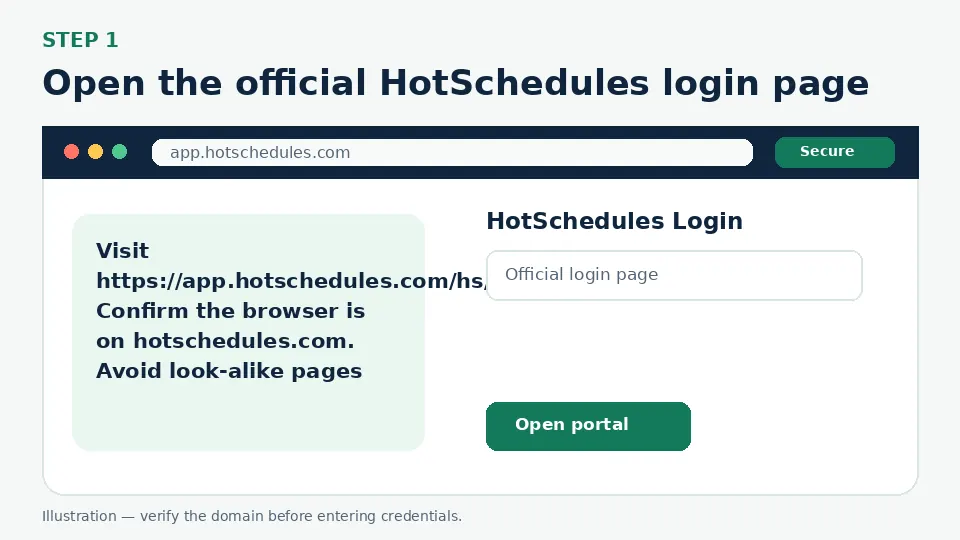
Open the official HotSchedules login page
Visit https://app.hotschedules.com/hs/login.jsp. Confirm the browser is on hotschedules.com. Avoid look-alike pages that request restaurant identifiers, Social Security numbers or payment details.
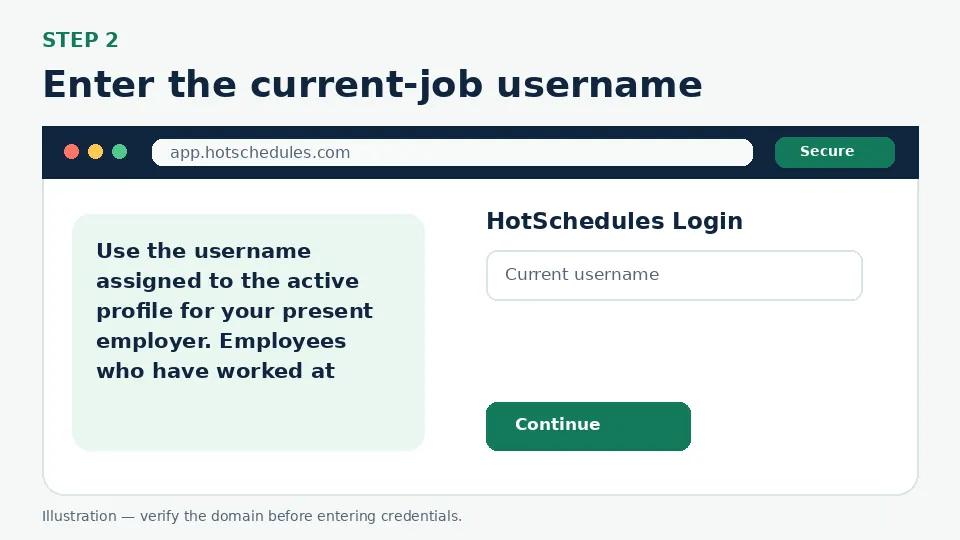
Enter the current-job username
Use the username assigned to the active profile for your present employer. Employees who have worked at multiple HotSchedules locations sometimes try an older username; the official help center specifically warns that this can cause sign-in problems.
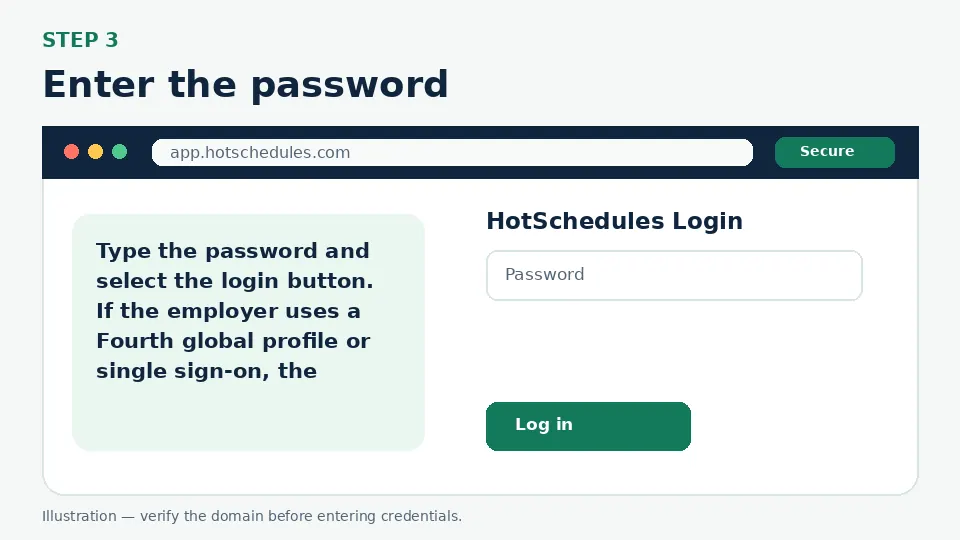
Enter the password
Type the password and select the login button. If the employer uses a Fourth global profile or single sign-on, the screen may route through the related official authentication flow.
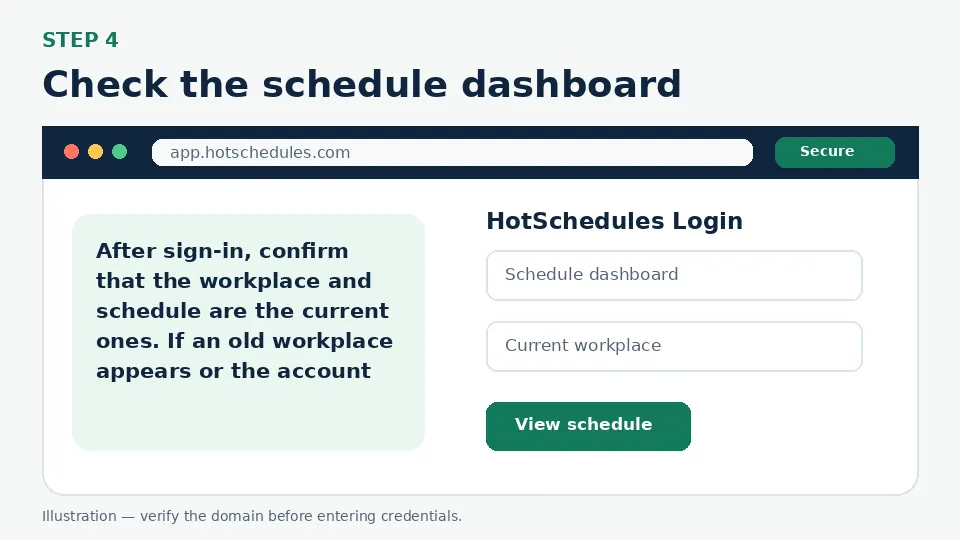
Check the schedule dashboard
After sign-in, confirm that the workplace and schedule are the current ones. If an old workplace appears or the account is inactive, contact the manager rather than creating duplicate profiles.
First-Time Account Setup
A brand-new employee generally receives initial credentials or a setup instruction from the manager. Official HotSchedules guidance refers to a welcome sheet with a temporary username and password and directs new users to the setup flow. Complete that setup promptly, attach an email address and mobile number, and replace the temporary password. Those recovery methods are important because self-service recovery depends on information already stored in the account.
Forgot Username or Password
Use the Forgot Username option when you have access to the email address or mobile phone linked to the account. For a forgotten password, enter the current account username and follow the reset message. If no recovery email or phone is attached, or if the profile is inactive, the manager can retrieve the username, update the email, send a password-reset link or reactivate the profile.
MFA, Verification Codes and Single Sign-On
Some organizations use a Fourth global profile or an employer SSO process. Follow only redirects that start from the official HotSchedules/Fourth login environment. A manager can confirm which account type applies. Do not use default passwords posted in forums, because credentials vary by employer and may expose private employment information.
Common Login Problems and Direct Fixes
| Problem | Likely cause | What to do |
|---|---|---|
| Forgot username | A recovery email/mobile is linked but the username is unknown | Use the official Forgot Username option. |
| Forgot password | The username is known but the password is not | Use Forgot Password and check the linked email or phone. |
| Account is inactive or suspended | The employment profile was deactivated | Ask the manager to reactivate or confirm the current profile. |
| Old workplace appears | Credentials belong to a former job/location | Ask the current manager for the correct profile or setup sheet. |
| No reset message arrives | Recovery details were never added or are outdated | Ask a manager to update the account email/mobile and send a reset. |
| Schedule is blank | Profile permissions or schedule publication issue | Contact the scheduling manager; login recovery will not publish shifts. |
Mobile and Browser Troubleshooting
- Start from the official login URL instead of a search advertisement or a saved third-party page.
- Use an updated version of Chrome, Safari, Firefox or Edge and allow cookies required by the official portal.
- Close duplicate sign-in tabs before retrying, especially when an SSO or Okta flow returns to the login screen.
- Switch between Wi-Fi and cellular data only to test connectivity; do not bypass employer security controls.
- Do not store credentials on a shared computer. Sign out fully after accessing payroll, school or employee information.
How to Avoid Fake Login Pages
Bookmark the official destination after confirming app.hotschedules.com. A fake page may copy colors and logos but use a misspelled address, ask for an MFA code before a normal password step, request payment, or tell you to send credentials to “support.” Leave that page and open the official domain manually.
HotSchedules Login FAQs
What is the official HotSchedules login URL?
Use https://app.hotschedules.com/hs/login.jsp or the official HotSchedules link supplied by your employer.
How do I find my HotSchedules username?
Use the official Forgot Username option if an email address or mobile number is linked to the account.
How do I reset the HotSchedules password?
Select Forgot Password on the official login page, enter the current username and follow the recovery message.
Why does my old HotSchedules username not work?
It may belong to a previous employer or location. HotSchedules profiles are connected to specific employment records.
Who activates a new HotSchedules account?
The employer or manager supplies the initial setup information and can reactivate an inactive employee profile.
Can my manager see my username?
Official manager guidance says managers can retrieve employee usernames and send password-reset links.
Why is my HotSchedules account inactive?
The profile may have been disabled by the workplace. A manager must review and reactivate it when appropriate.
Can I create another account myself?
Do not create duplicate profiles unless the employer instructs you to do so. Ask the manager for the current setup path.
Does HotSchedules require an email address?
An email or mobile number is important for self-service username and password recovery.
What if my schedule is missing after login?
Contact the manager responsible for publishing schedules or assigning permissions.
Official Sources and Verification
This guide was written from the official portal and support material listed below. Portal interfaces can change, and an employer, school or organization may use a custom SSO path. The organization’s current instructions control when they differ from a general guide.